What is GPT Jump Start?
GPT Jump Start is a versatile tool designed to seamlessly incorporate AI-powered features into various projects. It offers dual functionality: operating as an API for custom integrations with platforms like Zapier and Pabbly, and as a WordPress plugin for generating high-quality, engaging website content.
This tool simplifies AI integration, providing a user-friendly experience without requiring an OpenAI API account or credit card for initial use. It ensures availability even when ChatGPT experiences downtime.
Features
- Quick setup: Easy and fast configuration process.
- Unlimited prompts: Access unlimited prompts via the GPT Jump Start dashboard.
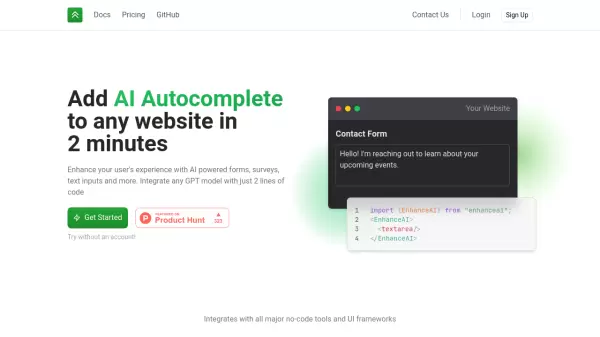
- Simple integration: Seamlessly connects with Zapier, Pabbly, and other automation apps.
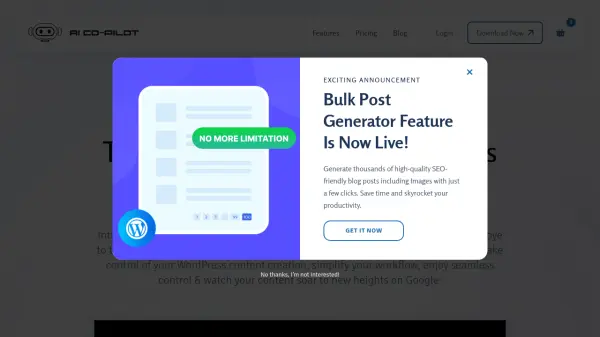
- WordPress Plugin: Generates AI content directly for your WordPress website.
- ChatGPT Downtime Resilience: Remains operational even when ChatGPT is unavailable.
- No OpenAI API Account Required: Use the service without needing an OpenAI API key.
- No Credit Card Required: Start using the service without providing credit card information.
Use Cases
- Integrating AI features into custom software applications.
- Automating workflows using Zapier or Pabbly integrations.
- Generating high-quality content for WordPress websites.
- Enhancing existing projects with AI capabilities.
FAQs
-
What is GPT Jump Start?
GPT Jump Start is a versatile solution designed to incorporate AI features into your projects. It functions in two ways: As an API, it can be integrated with custom projects or existing solutions like Zapier and Pabbly. As a WordPress plugin, it assists in generating high-quality, engaging, and relevant content based on provided prompts.