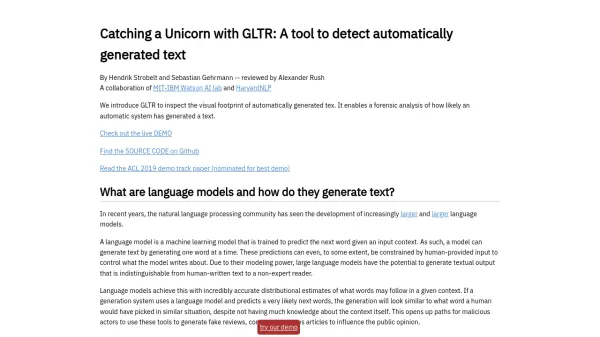
What is GLTR?
GLTR (Giant Language Model Test Room) is a tool developed to help users identify text that has been automatically generated by large language models. It provides a visual interface for analyzing the likelihood of text being machine-generated based on statistical analysis of word predictions.
By leveraging the GPT-2 117M language model, GLTR analyzes input text and highlights words based on their probability ranking. This allows for a visual inspection of the text's "footprint," revealing how likely each word was predicted by the model. This forensic approach aids in discerning between human-written and machine-generated content.
Features
- Visual Footprint: Highlights words based on prediction probability (green for top 10, yellow for top 100, red for top 1,000, and purple for the rest).
- Prediction Analysis: Shows the top 5 predicted words and their probabilities for each word in the text.
- Histograms: Displays aggregated data on word categories, probability ratios, and prediction entropy.
- Model Comparison: Analyzes text against the GPT-2 117M language model.
- Example Analyses: Provides pre-loaded examples of both human-written and machine-generated text for comparison.
Use Cases
- Detecting fake news articles.
- Identifying automatically generated reviews or comments.
- Analyzing the authenticity of online content.
- Assisting researchers in studying language models.
- Verifying the originality of written submissions.