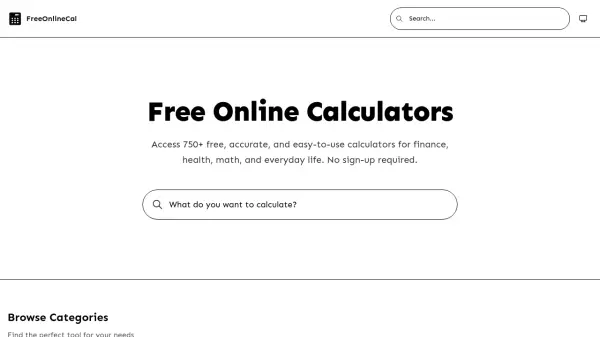
What is FreeOnlineCal?
FreeOnlineCal offers a comprehensive suite of over 750 online calculators designed to handle a wide range of tasks in finance, health, mathematics, and everyday life. Each tool delivers instant, accurate results without requiring any registration or downloads. The platform organizes calculators into eight categories: Finance, Mathematics, Everyday Life, Health, Food, Marketing & SaaS, Time, and Gaming. Whether you need to calculate mortgage payments, BMI, cooking measurements, or gaming stats, FreeOnlineCal provides specialized tools vetted for precision. The calculators are accessible from any device, making them convenient for students, professionals, and anyone needing quick calculations.
Features
- 750+ Calculators: Extensive library covering finance, health, math, and more.
- No Sign-Up Required: Use all tools instantly without account creation.
- Instant & Accurate: Algorithms double-checked for precision.
- Category Organization: Browse by Finance, Health, Math, Everyday Life, Food, Marketing & SaaS, Time, Gaming.
- Device Agnostic: Access from any device, no downloads needed.
Use Cases
- Calculate monthly mortgage payments and loan interest.
- Determine BMI, body fat percentage, and caloric needs.
- Solve math problems including percentages, fractions, and geometry.
- Convert cooking measurements and calculate nutritional values.
- Analyze marketing metrics like eCPM and MRR growth rate.