
What is DXT?
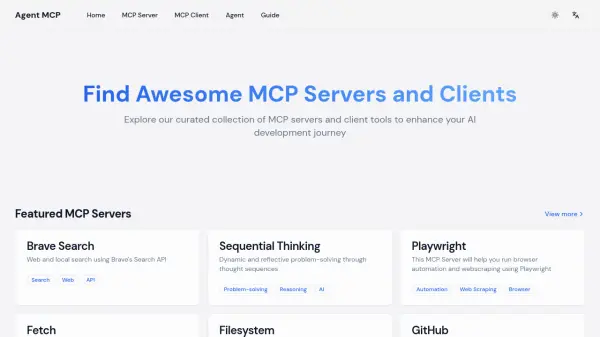
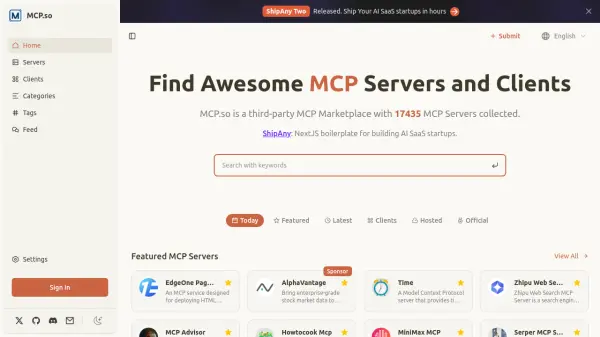
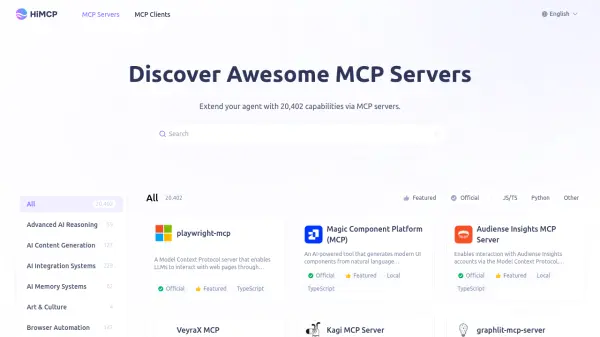
DXT is a comprehensive platform designed for AI agents and developers to discover, install, and manage Model Context Protocol (MCP) servers. With a vast repository of 15,000+ MCP servers, DXT provides one-click installation via MCP Bundle, eliminating manual configuration and dependency management. The platform supports Node.js, Python, and binary servers, and integrates seamlessly with popular MCP clients like Claude Desktop, Zed, and Cline.
DXT also offers a curated directory of official, community, and top-ranked MCP servers by GitHub stars, along with resources such as LLM access and startup tools. Whether you need file system access, database queries, API integrations, or browser automation, DXT provides the tools to enhance AI agent capabilities while ensuring security through encrypted storage and automatic updates.
Features
- Extensive MCP Server Directory: Access over 15,000 MCP servers for various use cases including file systems, databases, APIs, and browser automation.
- One-Click MCP Bundle Installation: Install MCP servers with a single click using the MCP Bundle format, eliminating manual JSON configuration and dependency management.
- Multi-Client Compatibility: Supports popular MCP clients such as Claude Desktop, Zed, Cline, Cherry Studio, and more.
- Secure Key Management: API keys and sensitive data are stored securely in the operating system's native credential manager (macOS Keychain, Windows Credential Manager).
- Automatic Updates: MCP bundles receive automatic security and feature updates to ensure optimal performance.
- Developer Tools: Provides the open-source MCPB toolchain for packaging custom MCP servers into bundles.
- Curated Server Rankings: Browse top MCP servers ranked by GitHub stars and official integrations for reliable choices.
- Startup SaaS Boilerplate: Includes ready-to-use NextJS boilerplates with Stripe, Supabase, Google OAuth, i18n, and deployment options for building AI SaaS applications.
Use Cases
- Enhance AI agents with file system access and database query capabilities.
- Integrate MCP servers for API integrations, web search, and browser automation in development workflows.
- Build and deploy AI-powered SaaS startups using DXT's boilerplate and credits.
- Automate coding tasks within IDEs by connecting MCP clients like Cline or Zed.
- Perform in-depth web research and generate comprehensive reports with GPT Researcher MCP server.
- Manage and analyze observability data using Netdata or Grafana MCP servers.
- Create professional reports and dashboards with Klavis ReportGen and Vizro.
- Localize AI applications to support multiple languages using Lingo.dev MCP server.
FAQs
-
What is MCP Bundle and how does MCP Server integration work?
MCP Bundle is the official packaging format that makes installing MCP servers for Claude Desktop as simple as one-click. MCP bundles entire MCP servers—including all dependencies—into single installable files. This eliminates manual JSON configuration, dependency management, and complex MCP server setup. Claude Desktop handles everything automatically with built-in Node.js runtime support. -
Do I need technical knowledge to install MCP bundles and MCP servers?
No. Installing MCP bundles and MCP servers is designed for everyone. Simply navigate to Settings > Extensions in Claude Desktop, browse the extension directory, and click 'Install' on any MCP server. No terminal commands, configuration files, or dependency conflicts. The entire MCP bundle installation process takes just seconds. -
What programming languages do MCP Bundle and MCP Server support?
MCP Bundle and MCP servers support Node.js, Python, and binary executables. Claude Desktop comes with built-in Node.js environment, so Node.js-based MCP servers work immediately without additional installation. Python MCP servers and binary servers are also fully supported through the MCP bundle packaging format. -
How secure are MCP bundles and MCP servers?
MCP Bundle and MCP servers include multiple security layers. Sensitive data like API keys are stored in your operating system's secure storage (macOS Keychain, Windows Credential Manager). MCP Bundle supports automatic security updates, user auditing of installed bundles, and enterprise features like Group Policy (Windows) and MDM (macOS) for approved bundle management. -
Can developers create custom MCP bundles and MCP servers?
Yes. Developers can package their MCP servers as MCP bundles using the open-source MCPB toolchain. Simply create a manifest.json with metadata, then use the 'mcpb pack' command to generate a bundle file. The MCP server format supports Node.js, Python, and binary servers. Comprehensive MCP Bundle documentation and MCP server examples are available on GitHub.