What is DotSlash?
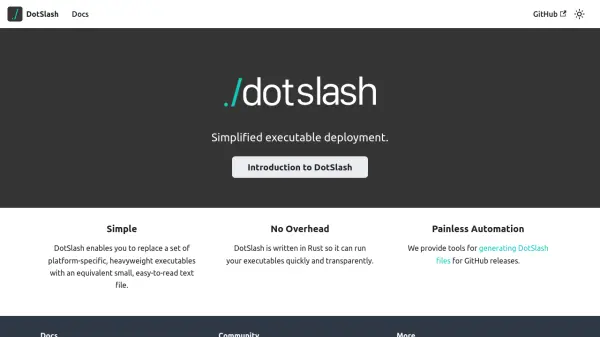
DotSlash is a deployment tool designed to simplify the management of executables across different platforms. It allows users to replace multiple heavyweight, platform-specific executables with a single, small text file that is easy to read and maintain. This approach reduces complexity and improves deployment efficiency by providing a unified solution.
Written in Rust, DotSlash ensures quick and transparent execution of your executables without adding overhead. The tool includes automation features for generating DotSlash files from GitHub releases, streamlining the deployment process. By focusing on simplicity and performance, it addresses common challenges in executable management.
Features
- Platform Replacement: Replaces multiple platform-specific executables with a single text file
- Rust-Based Performance: Written in Rust for fast and transparent execution
- Automation Tools: Provides tools for generating DotSlash files from GitHub releases
- Lightweight Design: Uses small, easy-to-read text files to reduce overhead
- Deployment Simplification: Streamlines executable management across different environments
Use Cases
- Deploying executables across multiple platforms without managing separate files
- Automating the generation of deployment files from GitHub releases
- Reducing complexity in software distribution by using lightweight text files
- Improving deployment efficiency for development teams
- Simplifying executable management in cross-platform projects
FAQs
-
What is the primary purpose of DotSlash?
DotSlash simplifies executable deployment by replacing platform-specific executables with lightweight text files. -
How does DotSlash improve performance?
It is written in Rust, which ensures fast and transparent execution of executables without overhead. -
Can DotSlash automate file generation?
Yes, it provides tools for generating DotSlash files from GitHub releases to streamline deployment. -
Is DotSlash suitable for cross-platform projects?
Yes, it is designed to manage executables across different platforms, reducing complexity in such environments.