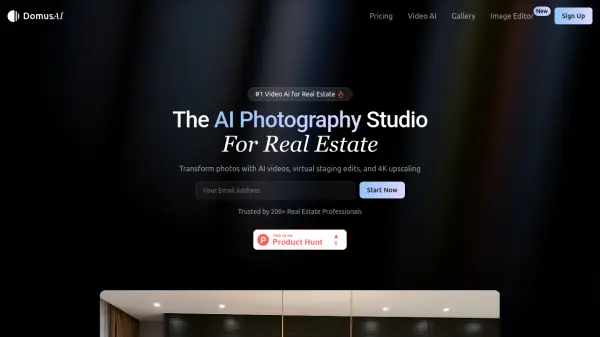
What is DomusAI?
DomusAI is an AI-powered photography studio specifically designed for real estate professionals. It transforms static property photos into dynamic videos with cinematic effects, virtual staging, and high-resolution upscaling options. The platform enables users to create professional-quality video tours quickly and efficiently, with features like camera control movements and multiple quality settings.
Users can generate individual video clips for each photo or combine them into a complete property showcase video. The tool also offers AI-powered virtual staging to furnish vacant properties and various interior design style options. All generated content comes with commercial usage rights and is optimized for sharing on major social media platforms.
Features
- AI Video Generation: Transform photos into cinematic videos with camera movements
- Virtual Staging: Furnish vacant properties with AI-powered interior design
- 4K Upscaling: Enhance video quality to crystal clear 4K resolution
- Camera Control: Direct shots with zoom, pan, and reveal movements
- Social Media Optimization: Generate videos optimized for all major platforms
- Multiple Style Options: Choose from various interior design styles for staging
- Commercial Usage Rights: Full rights to use generated content professionally
Use Cases
- Creating property showcase videos for real estate listings
- Virtual staging of vacant properties to attract buyers
- Generating social media content for real estate marketing
- Producing high-resolution video tours for luxury properties
- Enhancing property photos with cinematic video effects
FAQs
-
How much does it cost?
Pricing is usage-based starting from $0.30 per video clip and $0.10 per image edit, with no monthly subscription required. -
How does the video generation work?
Users upload property photos which are transformed into cinematic videos using AI, with options for camera movements and quality enhancements. -
What video quality options are available?
Quality options include 720p, 1080p (FullHD), 2K, and 4K upscaling with additional costs for higher resolutions. -
What if a video does not generate?
The content does not specify troubleshooting procedures for failed video generation. -
What types of camera movements are available?
Available camera movements include zoom, pan, and reveal to highlight key property features.