What is Deep Chat?
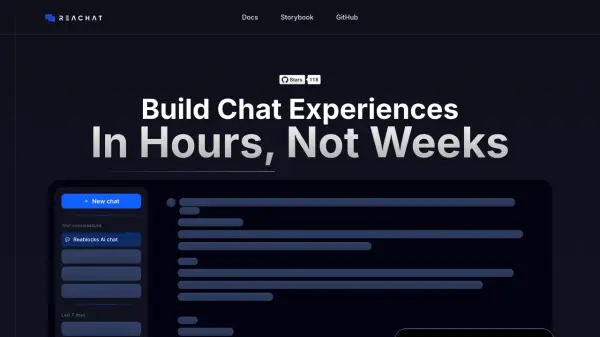
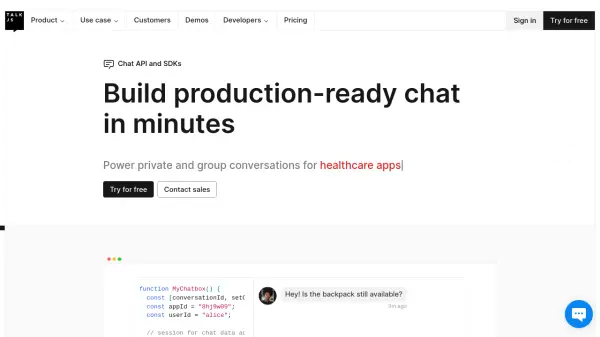
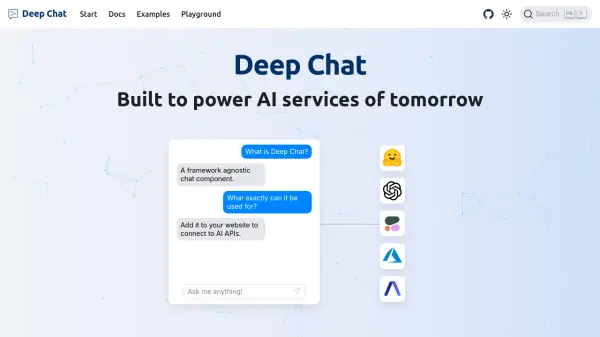
Deep Chat offers a flexible chat interface component designed for seamless integration into web applications. It facilitates communication by connecting to various APIs, enabling interaction with AI services or custom backend servers directly through the browser.
The component enhances user interaction by supporting the transfer of diverse media types, including images, audio files, GIFs, and spreadsheets. Text messages can be formatted using Markdown for better text layout and code rendering. Additionally, users can capture photos using their device camera or record audio via the microphone directly within the chat interface. Speech capabilities further enrich the experience, providing real-time speech-to-text transcription for input and text-to-speech synthesis for reading out responses.
The component enhances user interaction by supporting the transfer of diverse media types, including images, audio files, GIFs, and spreadsheets. Text messages can be formatted using Markdown for better text layout and code rendering. Additionally, users can capture photos using their device camera or record audio via the microphone directly within the chat interface. Speech capabilities further enrich the experience, providing real-time speech-to-text transcription for input and text-to-speech synthesis for reading out responses.
Features
- API Connectivity: Connect to any API, including popular AI providers or custom servers.
- Media Transfer: Send and receive images, audio, gifs, spreadsheets, and other files.
- Markdown Support: Format text messages and render code using Markdown.
- Camera Input: Capture photos directly within the chat component.
- Microphone Input: Record audio directly within the chat component.
- Speech-to-Text: Input text using real-time speech transcription.
- Text-to-Speech: Have chat responses read out loud automatically.
Use Cases
- Integrating AI chatbots into websites.
- Building custom support chat interfaces.
- Creating interactive communication platforms with media sharing.
- Developing applications with voice-enabled chat features.
- Connecting web frontends to various backend services via a chat UI.