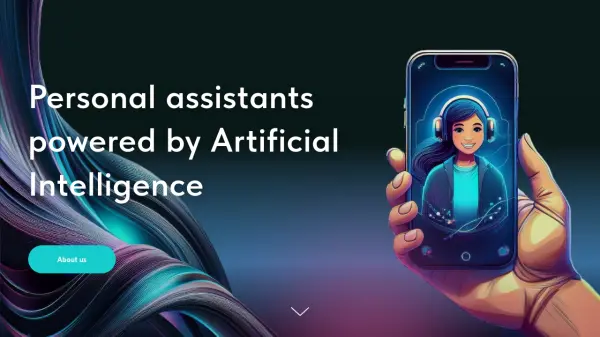
What is DataKlear?
DataKlear provides a sophisticated platform specializing in the development of advanced AI-powered virtual assistant solutions. Utilizing cutting-edge large language models (LLM) and retrieval-augmented generation (RAG) technologies, it enables the creation of intelligent, conversational AI systems designed to significantly enhance productivity and streamline complex workflows across various business operations. The platform focuses on delivering highly personalized user experiences by ensuring virtual assistants provide accurate, real-time responses drawn from extensive data sources, adapting seamlessly to diverse user requirements.
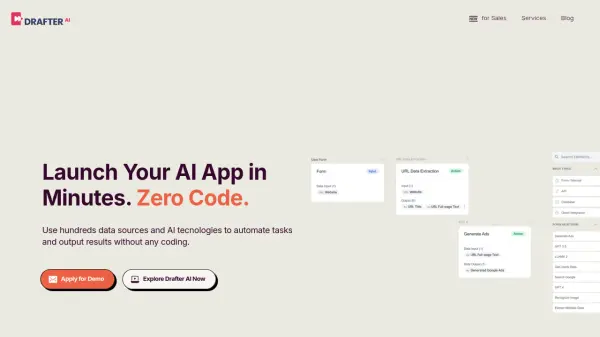
The core offering revolves around a low-code and no-code toolkit, empowering users to build custom AI products such as digital twins, AI agents, co-pilots, and educational neurotrainers without extensive coding knowledge. This approach drastically reduces development time and costs, making AI development accessible to a broader range of businesses. Key functionalities include drag-and-drop interfaces, pre-built templates, customizable workflows, seamless integration with existing systems, and robust data processing capabilities, driving digital transformation through intelligent automation for both B2B and B2C applications.
Features
- Low-Code/No-Code Toolkit: Build AI products without extensive coding knowledge.
- RAG Platform Integration: Utilizes retrieval-augmented generation for accurate, data-backed responses.
- Conversational AI Platform: Enables the creation of intelligent, interactive AI systems.
- Digital Layer Module: Supports creation for XR, AR, and WebGL applications.
- Rapid Prototyping: Quickly develop and deploy AI-powered virtual assistants.
- Drag-and-Drop Interfaces: Simplify the design process for AI applications.
- Pre-built Templates: Accelerate development with templates for common AI applications.
- Customizable Workflows: Tailor applications to meet specific business requirements.
- Real-time Processing: Delivers up-to-date and accurate responses instantly.
- Adaptive Learning: Assistants improve over time based on user interactions.
Use Cases
- Building Digital Twins: Create virtual replicas of physical assets and processes for monitoring and optimization.
- Deploying AI Agents: Automate customer support, internal workflows, and gain proactive insights.
- Developing Co-pilots: Assist users in real-time with strategic recommendations and task automation.
- Creating Educational Neurotrainers: Develop AI-powered tools for personalized learning experiences.
- Enhancing Sales & Marketing: Improve efficiency and customer engagement with tailored AI assistants.
- Streamlining Customer Support: Provide automated, personalized support experiences.
- Optimizing Operations: Automate routine processes and boost operational efficiency.
- Improving Healthcare Services: Support patient care, administrative tasks, and medical research.
- Automating Financial Tasks: Provide investment advice and detect fraud with AI systems.
- Optimizing Manufacturing Processes: Enhance production, predict maintenance, and improve supply chains.