What is Cursor?
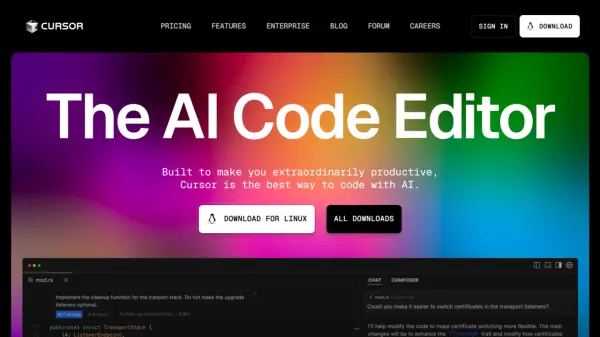
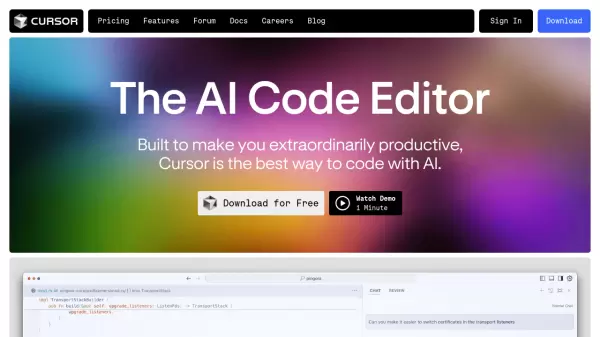
Cursor is a cutting-edge AI-powered code editor designed to revolutionize the way developers write and manage code. It seamlessly integrates advanced AI capabilities with traditional IDE functionality, offering features like intelligent code completion, natural language editing, and comprehensive codebase understanding.
The editor maintains familiar development environments by supporting existing extensions, themes, and keybindings while adding powerful AI features. With SOC 2 certification and privacy mode options, Cursor ensures secure code handling and offers flexible deployment options, including the ability to use custom API keys.
Features
- Codebase Understanding: Intelligent analysis and reference of existing code and documentation
- Predictive Editing: Tab-based code completion and next edit prediction
- Natural Language Editing: Code modification through simple text instructions
- Extension Compatibility: Support for existing IDE extensions, themes, and keybindings
- Privacy Mode: Optional secure mode preventing code storage
- Custom API Integration: Support for custom API keys and hosted solutions
- SOC 2 Certification: Enterprise-grade security compliance
Use Cases
- Code completion and suggestions
- Automated code documentation
- Codebase analysis and understanding
- Code refactoring and modification
- Technical documentation generation
- Rapid prototyping
- Code maintenance and updates
FAQs
-
What are the premium models available in Cursor?
GPT-4, GPT-4o, and Claude 3.5 Sonnet are the premium models. Pro users get 500 fast uses and unlimited slow uses monthly, with Claude 3.5 Haiku counting as 1/3 of a premium request. -
What is Privacy Mode in Cursor?
Privacy Mode ensures that your code is never stored anywhere other than your machine and will never be used for training purposes. -
Can I use Cursor for commercial projects?
Yes, all code generated in Cursor is owned by you and can be used however you like, including for commercial purposes, regardless of your subscription level. -
What happens if I exceed my plan limits?
If you go over your limit, Cursor will ask you to upgrade. Free users can use up to 50 uses of the premium models.