What is Commanigy?
Commanigy is a software development studio operated by Peter Theill, focusing on creating tools that leverage artificial intelligence to simplify and automate everyday tasks. The studio offers a range of projects, from free utilities to paid applications, aimed at improving efficiency and reducing manual effort in various workflows.
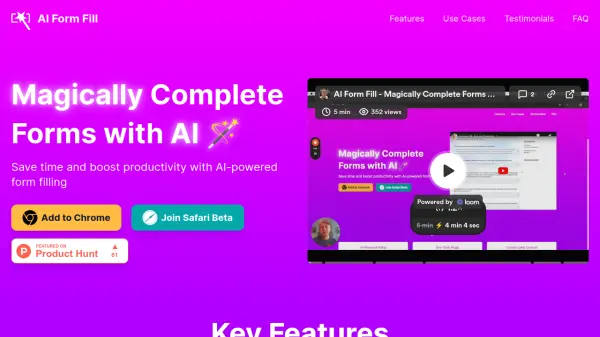
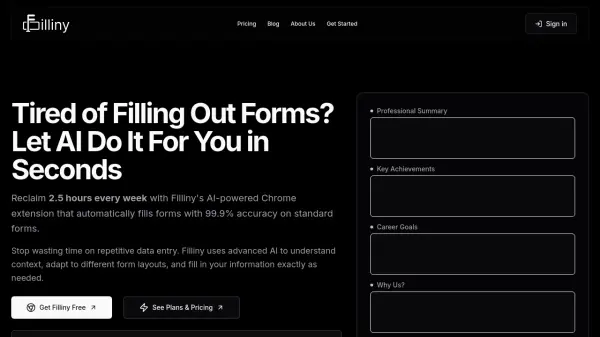
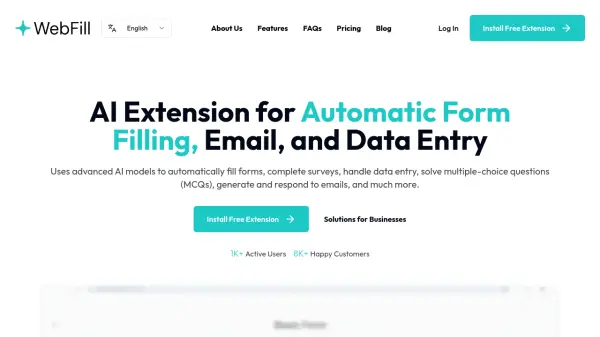
Key offerings include intelligent form-filling assistants that use AI to populate web forms automatically, document sharing platforms for instant file transfers, and other productivity-enhancing tools. By integrating AI capabilities, Commanigy helps users save time and streamline processes across different platforms and operating systems.
Features
- AI-Powered Form Filling: Automatically populates web forms with personal data templates using artificial intelligence
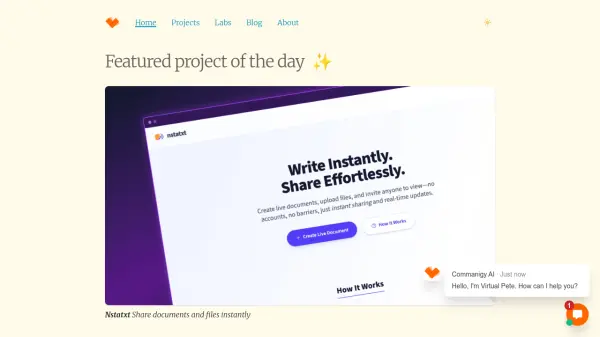
- Document Sharing: Enables instant sharing of documents and files for quick collaboration
- Cross-Platform Tools: Offers software for multiple platforms including Windows, macOS, and Chrome extensions
Use Cases
- Automating form filling on websites to save time
- Sharing documents instantly with team members or clients
- Enhancing productivity by reducing manual data entry tasks
- Streamlining workflow processes with AI-assisted tools