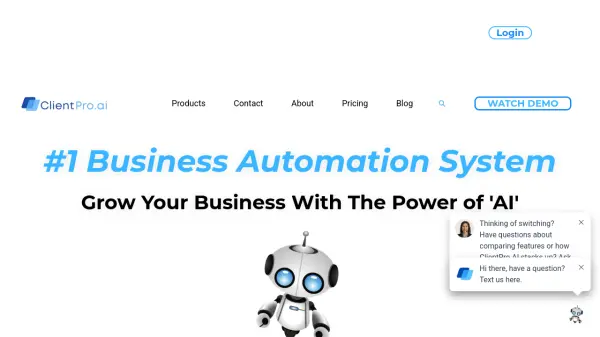
What is Client Pro AI?
Client Pro AI provides a comprehensive business automation system designed specifically for small businesses. The platform integrates multiple tools into a single dashboard, enabling users to manage customer relationships, automate marketing campaigns, handle communications, and streamline daily operations without switching between different applications.
By leveraging AI technology, the system offers features like an AI assistant that handles back-end tasks, automated follow-ups, and smart lead management. This allows business owners to focus on core activities while the platform manages routine operations, helping to improve efficiency and grow their business.
Features
- AI Assistant: Handles back-end tasks and business automations to save time
- CRM System: Manages customer relationships and unlimited leads/contacts
- Communication Hub: Streamlines messaging across email, SMS, web chat, and phone
- Marketing Automation: Creates unlimited websites and automates marketing campaigns
- Sales Pipeline: Tracks leads and ensures no potential deals are missed
- Reputation Management: Generates and manages online reviews from the platform
- Payment Processing: Sends invoices and handles payments directly in the app
- Social Media Scheduling: Automates posting across major social platforms
Use Cases
- Automating customer follow-ups and appointment scheduling
- Managing customer relationships and sales pipelines
- Creating and hosting unlimited marketing websites
- Streamlining business communications across multiple channels
- Automating social media posting and engagement
- Generating and managing online reviews
- Sending invoices and processing payments
- Running marketing campaigns with AI-driven automation
FAQs
-
What is included in the free trial?
The free trial includes access to all features such as unlimited websites, sales pipelines, phone system, text messaging, emails, social media scheduling, follow campaigns, review management, and invoicing for 14 days. -
Are there any contracts or long-term commitments?
No, there are no contracts or long-term commitments. You can use the software on a month-to-month basis and change plans as needed. -
How do I choose the right plan for my business?
Evaluate the features and benefits in each plan based on your specific needs, such as customization, support, and automation levels, to determine which aligns best with your business requirements and budget. -
Can I change plans after signing up?
Yes, you can switch between different plans at any time according to your needs and preferences.