What is ClearOS?
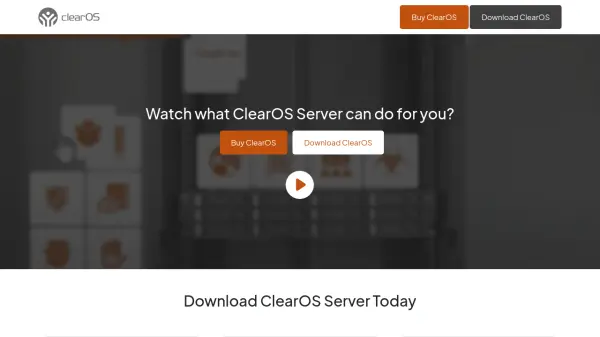
ClearOS provides a server operating system with a graphical web-based user interface and an application marketplace featuring over 100 apps. It leverages open source software, allowing users to select and pay only for the applications and support they require. The system is designed for simplicity, affordability, and security, with editions tailored for community testing, home office use, and business production environments.
ClearOS integrates with HPE ProLiant servers to offer a ready-to-use solution at no additional cost, enabling customization through its marketplace. Editions include Community, Home, and Business versions, each with different support and testing levels, and it also extends to mobile platforms for digital identity and privacy control.
Features
- Graphical Web-Based Interface: Intuitive user interface for easy server management
- Application Marketplace: Over 100 apps available for customization and functionality
- Multiple Editions: Community, Home, and Business editions with tailored support and testing
- Open Source Leverage: Uses open source software for flexibility and cost-effectiveness
- HPE Integration: Partners with HPE ProLiant servers for out-of-the-box solutions
- Mobile Extension: ClearOS Mobile for digital identity, privacy, and security on Android devices
Use Cases
- Setting up a server for small business operations
- Managing home office IT infrastructure
- Testing and development in community environments
- Securing digital identity and privacy on mobile devices
- Customizing server applications through a marketplace