What is Brackets?
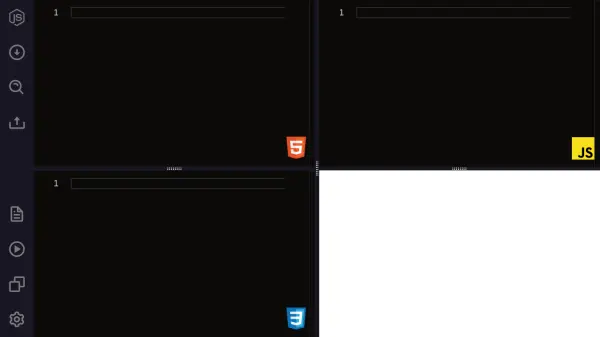
Brackets is a powerful, modern text editor specifically crafted for web designers and front-end developers, blending focused visual tools directly into your editing environment. With support for live browser preview, inline editors, and preprocessors, it enables seamless design and development workflows, enhancing productivity without interrupting your creative process.
As an open-source project, Brackets is sustained by a passionate community and continually evolves to meet the demands of modern web development. Its extension ecosystem allows users to integrate features such as Git version control, code beautification, markdown preview, and W3C validation, making Brackets a versatile platform for both beginners and experienced developers.
Features
- Inline Editors: Enables editing specific portions of code without switching tabs.
- Live Preview: Offers real-time connection to the browser for instant feedback on HTML and CSS changes.
- Preprocessor Support: Streamlines workflow with preprocessors such as LESS and SCSS.
- Extension Ecosystem: Supports popular extensions including Git integration, Emmet, Beautify, Markdown Preview, and more.
- Open Source: Maintained by an active developer community and freely available.
- Cross-Platform: Runs on Windows, macOS, Linux, and web browsers.
Use Cases
- Editing and previewing HTML, CSS, and JavaScript files in real-time.
- Developing responsive web interfaces with immediate visual feedback.
- Integrating with Git for version control directly within the editor.
- Beautifying and formatting code for improved readability.
- Previewing markdown documents live during editing.
- Validating code for standard compliance with W3C validation tools.
FAQs
-
What platforms does Brackets support?
Brackets runs on Windows, macOS, Linux, and web browsers. -
Is Brackets free to use?
Yes, Brackets is a fully open-source and free text editor. -
How can I extend Brackets' functionality?
Brackets supports a rich extension ecosystem, allowing users to add features like Git integration, markdown preview, and code beautification.