What is Bigwords?
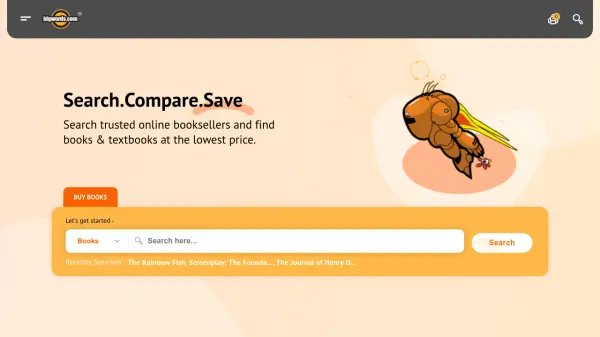
Bigwords is an online price comparison platform designed to help users find the best prices for books and textbooks. It searches multiple trusted online booksellers to compare costs for new, used, and rental options, ensuring users get the most value for their purchases.
The tool aggregates prices, shipping costs, and total savings into one simple search, making it easy to buy, sell, or rent books efficiently. With partnerships with affiliates and booksellers, Bigwords provides reliable price comparisons to help users save money and time.
Features
- Price Comparison: Searches multiple online booksellers for the best prices on new, used, and rental books
- Book Management: Allows users to add and remove books from a BookBag for easy tracking
- Category Browsing: Offers a wide range of book categories from Arts & Photography to Travel for easy navigation
- Trusted Sellers: Sources prices from verified and trusted sellers to ensure reliability
- Savings Calculation: Calculates total savings including product price and shipping costs
Use Cases
- Finding the lowest prices for textbooks for students
- Comparing costs for new and used books for avid readers
- Renting textbooks to save money on academic materials
- Selling books through trusted online platforms
- Browsing books by category for personal or professional interests