What is Artem Sapegin?
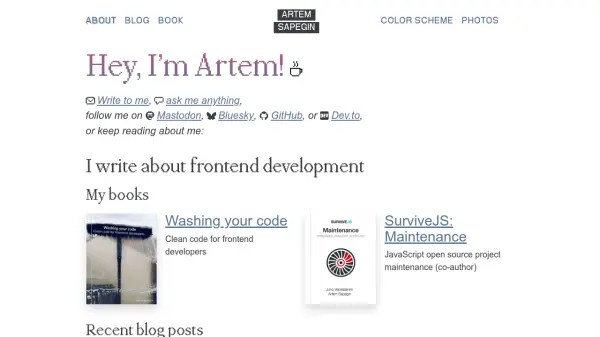
Artem Sapegin provides a personal website showcasing his expertise in frontend development, with resources such as blog posts, books, and open-source projects. The site includes content on topics like using AI in software development, clean coding practices, and testing frameworks, aimed at helping developers improve their skills and workflows.
He offers various tools and extensions, including browser extensions for color schemes and new tab pages, VSCode extensions for productivity, and open-source projects like React Styleguidist and Mrm. The website also features personal interests like photography and cooking, creating a comprehensive profile for developers seeking insights and practical tools.
Features
- Blog Posts: Insights on frontend development, AI in software, and coding practices
- Books: Publications like 'Washing your code' and 'SurviveJS: Maintenance'
- Open-Source Projects: Tools such as React Styleguidist and Mrm for project configuration
- Browser Extensions: Features like Squirrelsong for color schemes and Blank Sky for new tab pages
- VSCode Extensions: Productivity tools including Emoji Console Log and Mini Markdown
Use Cases
- Learning frontend development best practices
- Finding open-source tools for software projects
- Reading blog posts on AI and coding techniques
- Using browser and VSCode extensions for productivity
- Exploring personal projects and hobbies for inspiration