What is ArchRender?
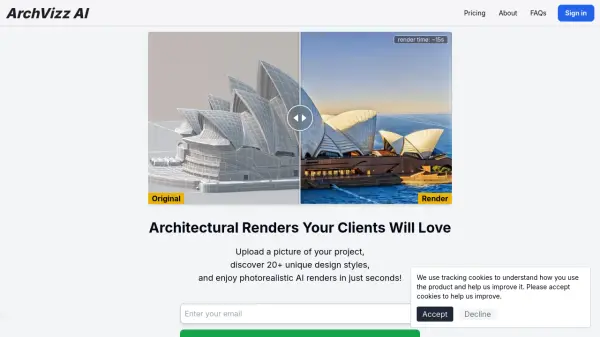
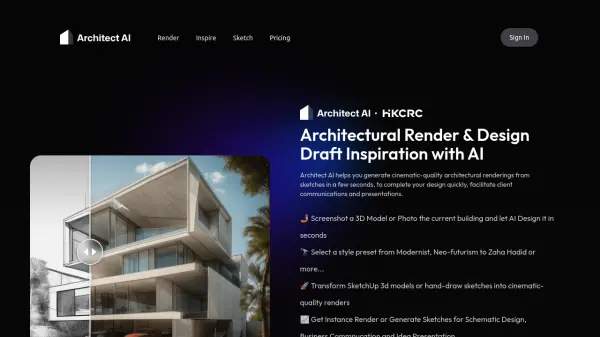
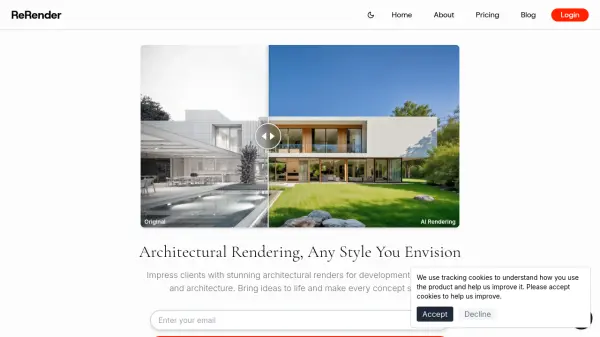
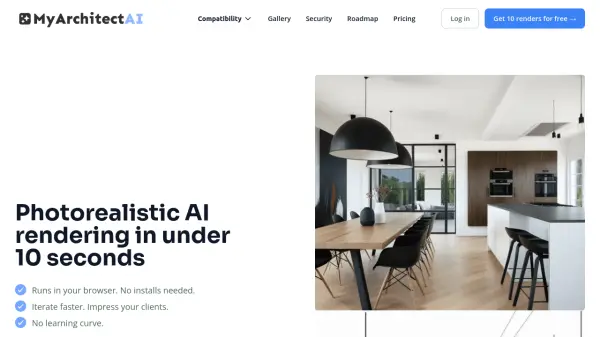
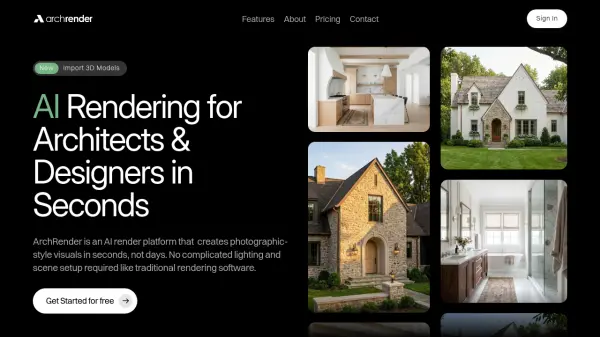
ArchRender utilizes artificial intelligence to generate photographic-style visuals from elevation drawings and 3D models within seconds. The platform supports popular architectural file formats like OBJ, FBX, and GPL, enabling users to import models directly from their design software. It offers intuitive controls for adjusting seasons, time of day, environments, and camera angles to visualize designs under various conditions.
The AI interprets natural language prompts to guide materials, style, mood, and lighting, allowing designers to describe their vision in simple terms. Users can upload mood boards for the AI to analyze colors, finishes, and styles, translating them into final images. The platform includes 4K upscaling for high-resolution outputs suitable for presentations and print materials, along with project-based workflows that organize files and support version iteration.
Features
- Import 3D Models: Supports OBJ, FBX, and GPL file formats for direct import from architectural software
- Prompt-Driven Control: Uses natural language to guide materials, style, mood, and lighting based on user descriptions
- Season Control: Adjusts visualizations to spring, summer, fall, or winter conditions for year-round design understanding
- Time of Day Control: Sets lighting conditions to explore how light, shadows, and atmosphere affect designs
- 4K Upscaling: Converts renders into high-resolution 4K images for presentations and print-ready materials
- Project-Based Workflows: Organizes files within projects with version-friendly iteration and ongoing work support
Use Cases
- Transforming elevation drawings into photorealistic renders for client presentations
- Visualizing architectural designs in different seasons and lighting conditions
- Creating interior previews from drawings or models for space planning
- Generating high-resolution 4K images for marketing materials and proposals
- Iterating design variations quickly without complex rendering setups
FAQs
-
What is ArchRender?
ArchRender is an AI render platform that creates photographic-style visuals from architectural drawings and 3D models in seconds. -
Who is ArchRender for?
ArchRender is designed for architects, designers, builders, and other professionals involved in architectural visualization and design presentation. -
Do I need rendering experience to use ArchRender?
No, ArchRender does not require complicated lighting and scene setup like traditional rendering software, making it accessible without specialized rendering expertise. -
How fast can I get results?
ArchRender generates renders in seconds, significantly faster than traditional rendering methods that can take days. -
What 3D file types are supported?
ArchRender supports OBJ, FBX, and GPL file formats for importing 3D models from popular architectural software.