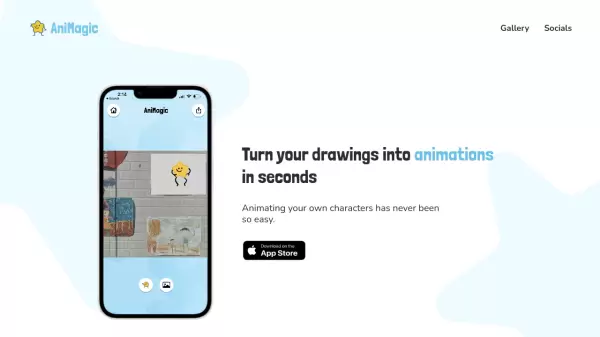

What is AniMagic?
AniMagic revolutionizes the way artists and creators bring their drawings to life by offering an intuitive platform that converts static character drawings into fluid animations. With minimal requirements - just a complete outline and basic limb structure - users can transform their artwork into dynamic animated sequences.
The platform streamlines the animation process by allowing users to upload their character drawings, customize animations with various dance moves, add multiple characters, and incorporate backgrounds. This makes professional-quality animation accessible to both beginners and experienced artists alike.
Features
- Instant Animation: Converts static drawings to animations in seconds
- Character Recognition: Works with any character having a complete outline and limbs
- Customization Options: Multiple characters, dance moves, and background additions
- Easy Export: Quick saving and sharing of animated creations
- Simple Upload Process: Supports photo uploads of hand-drawn characters
Use Cases
- Artist character animations
- Educational content creation
- Social media content
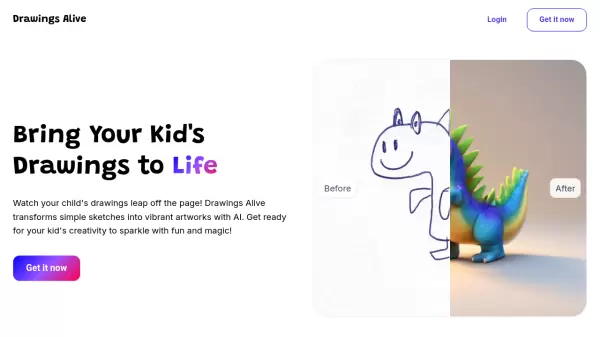
- Children's artwork animation
- Quick animation prototyping
- Character design visualization
FAQs
-
What are the minimum requirements for a character to be animated?
The character must have a complete outline and two arms and legs to be successfully animated. -
What file formats are supported for character uploads?
The tool supports photo uploads of hand-drawn characters, but specific file formats are not mentioned in the content.