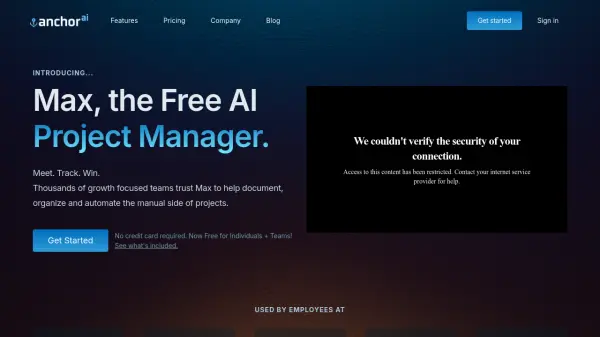
What is Anchor AI?
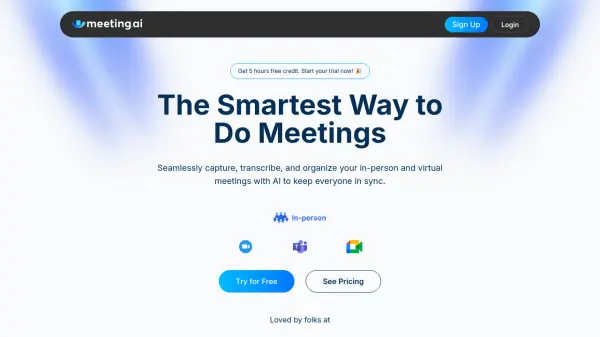
Anchor AI provides Max, an intelligent AI Project Manager aimed at transforming how teams manage meetings and project-related tasks. It addresses the common challenge of losing track of important details amidst busy schedules by automating the documentation and organization processes. Max acts as a comprehensive assistant for meetings, handling recording, transcription, and summarization, freeing up participants to focus on the discussion.
The platform captures meeting content accurately, whether digital or in-person, providing speaker-differentiated transcripts. Beyond documentation, Max actively turns conversations into actionable items by automatically identifying, creating, and assigning tasks with due dates. It organizes meetings, notes, and tasks within specific projects, offering a centralized hub for project tracking. Furthermore, Max features an interactive query capability, allowing users to ask questions about meeting content or project details after the event, similar to interacting with a chatbot.
Features
- Seamless Transcription: Provides detailed, speaker-differentiated, searchable transcripts of meetings.
- Automated Task Management: Automatically detects, creates, and assigns tasks with due dates from meeting discussions.
- Meeting Summaries: Generates concise topical summaries and detailed chronological meeting minutes.
- Interactive Queries (Ask Max GPT): Allows users to ask questions about meeting content and project details post-meeting.
- Project Organization: Organizes meetings, notes, and tasks into projects for better tracking and updates.
- Assisted Meeting Preparation: Generates discussion points and itineraries based on previous meetings.
- Video Recording: Captures and allows playback of video from digital meetings.
- Focus Mode: Provides a clean space for manual note-taking during meetings while AI handles documentation.
Use Cases
- Automating meeting documentation and minute-taking.
- Tracking action items and tasks derived from meetings.
- Organizing project-related meetings, notes, and tasks.
- Quickly reviewing or catching up on meeting discussions via summaries.
- Improving accountability through automatic task assignment.
- Facilitating post-meeting follow-up and information retrieval.
- Streamlining meeting preparation for recurring discussions.