What is AIDetectPlus?
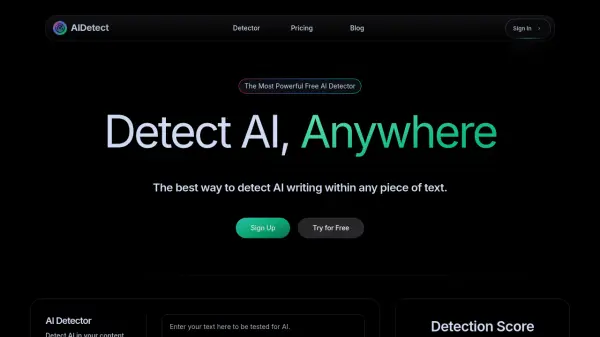
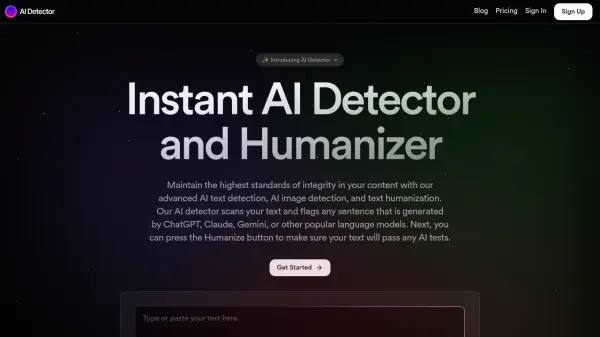
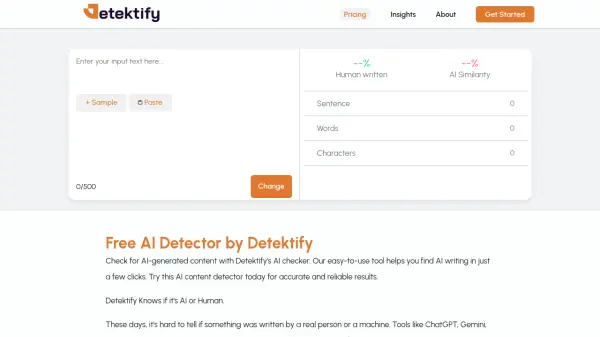
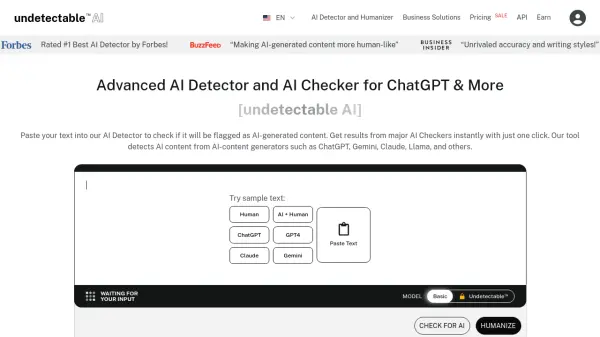
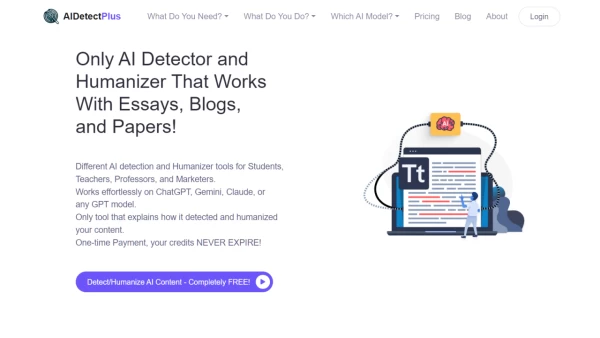
AIDetectPlus is a comprehensive AI content detection and humanization platform designed for various user groups. It offers specialized tools for students, educators, and marketers to detect AI-generated content in essays, papers, blogs, and social media posts. The platform is compatible with popular AI models such as ChatGPT, Gemini, Claude, and various GPT versions.
AIDetectPlus aims to address issues associated with pure AI content, such as inaccuracies, bias, lack of human touch, SEO problems, potential misinformation, and plagiarism concerns. The platform offers a simple four-step process for detecting and humanizing AI content, making it accessible for users of all levels.
Features
- AI Detection: Accurately identifies AI-generated content in various types of writing
- AI Humanization: Transforms AI content to bypass detection tools
- Specialized Tools: Offers different detectors and humanizers for students, marketers, and educators
- Detailed Reports: Provides explanations on how content was detected or humanized
- One-Time Payment: Credits never expire, allowing users to pay once and use indefinitely
Use Cases
- Students checking essays and papers for AI content before submission
- Marketers ensuring blog and social media content passes AI detection
- Educators verifying the authenticity of student submissions
- Content creators humanizing AI-generated text to improve quality and avoid detection
- SEO professionals ensuring content meets search engine guidelines for AI content
FAQs
-
What types of writing does the tool work with?
The tool works with essays, papers, blogs, and social media posts. -
What AI models is the platform compatible with?
The platform is compatible with popular AI models such as ChatGPT, Gemini, Claude, and various GPT versions. -
How does the platform address issues associated with pure AI content?
The platform addresses issues like inaccuracies, bias, lack of human touch, SEO problems, misinformation, and plagiarism concerns through its detection and humanization tools. -
What are some common use-cases for the platform?
Common use-cases include students checking essays for AI content, marketers ensuring blog posts pass AI detection, educators verifying student submissions' authenticity, content creators humanizing AI-generated text, and SEO professionals ensuring content meets search engine guidelines for AI content. -
What is the payment model for the platform?
The platform offers a one-time payment option where credits never expire, allowing users to pay once and use the platform indefinitely.