What is AI Landscape Design?
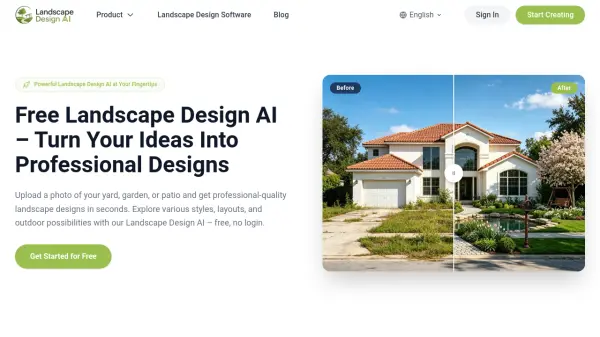
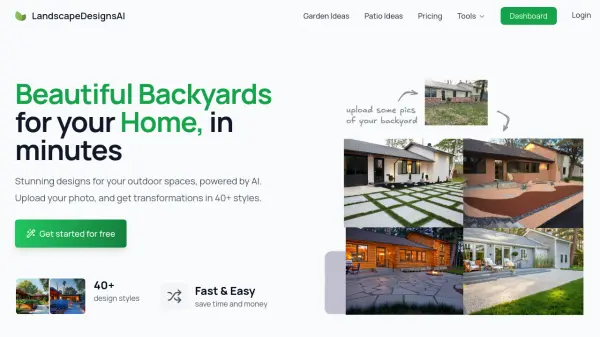
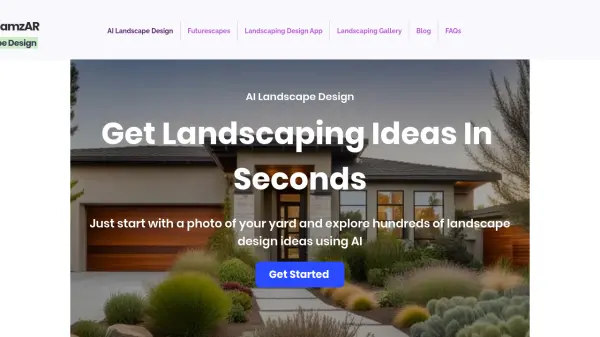
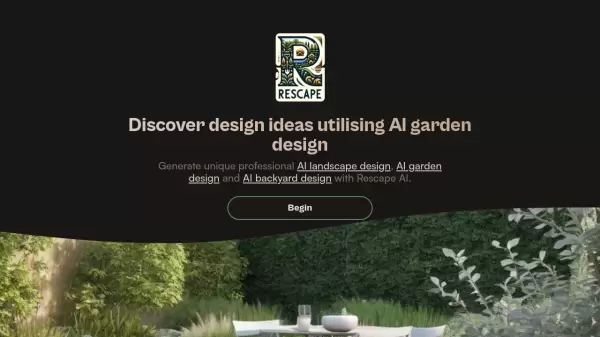
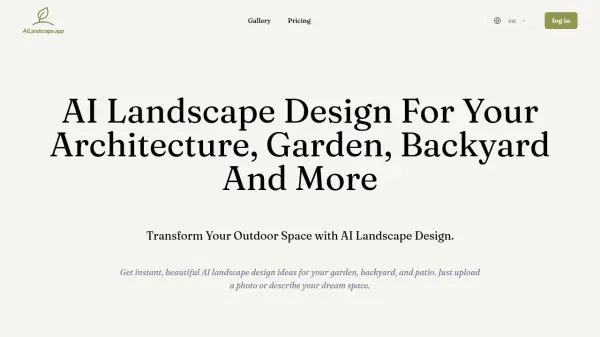
AI Landscape Design is an innovative tool that leverages artificial intelligence to create personalized outdoor space designs. Users can upload a photo of their garden, backyard, or other area and select from professional styles like Modern, Japanese Zen, or English Cottage. The tool allows for customization through detailed text prompts, enabling the generation of high-quality landscape visuals that help visualize projects before implementation.
This solution addresses common challenges in traditional landscape design by offering a cost-effective, fast, and user-friendly alternative. It assists in decision-making, saves time and money, and enhances property value through improved curb appeal. The tool is designed for both residential and commercial use, making it accessible to homeowners, landscape architects, and businesses seeking efficient design concepts.
Features
- Photo Upload: Upload a photo of your garden or yard to serve as a canvas for AI-generated designs
- Style Selection: Choose from professional styles like Modern, Japanese Zen, or English Cottage to apply themes instantly
- Custom Prompt: Provide detailed text descriptions to customize designs, such as 'a rustic stone pathway' or 'a modern minimalist garden'
- High-Quality Generation: Generate beautiful, high-quality landscape designs that can be downloaded and used for visualization
- Commercial Use License: Available in paid plans for using designs in commercial projects without watermarks
Use Cases
- Designing gardens and backyards with AI-generated layouts and plant arrangements
- Visualizing patio and deck furniture and decor configurations before purchase
- Boosting curb appeal by experimenting with front yard flower beds and pathways
- Generating concepts for commercial properties like parks and office exteriors
- A/B testing different landscape ideas to make confident decisions before implementation
FAQs
-
Is the AI Landscape Design tool free to use?
Yes, there is a Free Plan with no subscription or login required, but it includes watermarks, queue-based generation, and non-commercial use only. -
Can I use the AI landscape designs for commercial purposes?
Commercial use is available in paid plans (Starter, Premium, Platinum) which offer commercial use licenses and no watermarks. -
Can I cancel my subscription at any time?
Yes, subscriptions can be canceled at any time, as indicated in the pricing information. -
How are credits calculated for each AI landscape design?
Credits reset monthly and consumption varies by model, with costs displayed next to the generate button on the generation page. -
Can I get a refund?
Refund policies are not specified in the provided content; users should contact support for details.