What is 123 Free Solitaire?
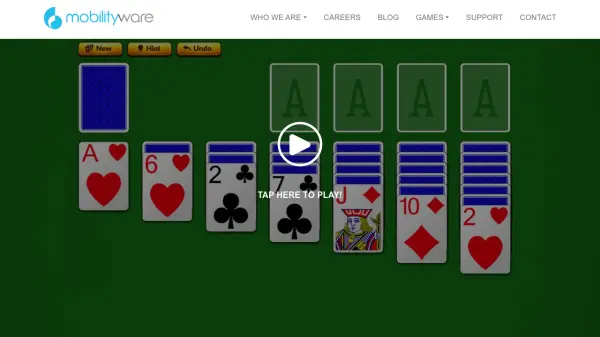
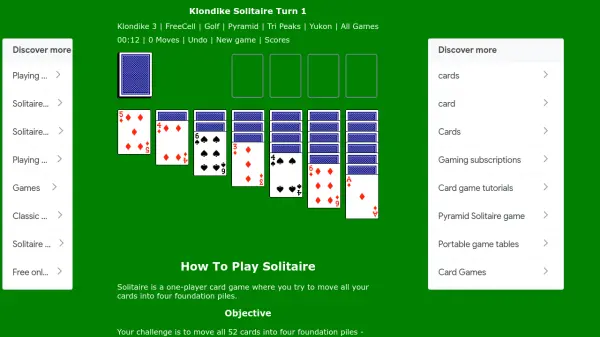
123 Free Solitaire is a digital card game that provides a free and engaging solitaire experience for players worldwide. It includes 12 different solitaire games such as Klondike, Spider, FreeCell, and Pyramid, each offering over 9 trillion possible shuffles to ensure endless variety and replayability. The game features customizable card sets, backs, and backgrounds, along with an autoplay function and undo/redo capabilities for enhanced gameplay.
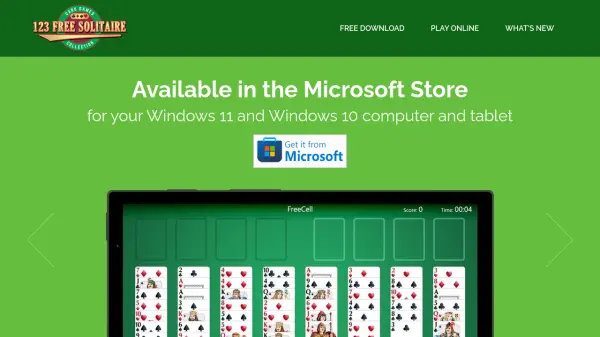
Available for download via the Microsoft Store on Windows 11 and Windows 10 devices or playable directly in web browsers, 123 Free Solitaire has been downloaded over 21.8 million times. Developed by TreeCardGames, it focuses on delivering fun and accessible solitaire entertainment without any cost to the user.
Features
- 12 Games Included: Features variants like Klondike, Spider, FreeCell, and Pyramid for diverse gameplay
- Customizable Options: Offers many beautiful card sets, card backs, and backgrounds to personalize the experience
- Autoplay Function: Automatically plays cards to foundations during and at the end of games for convenience
- Undo and Redo: Provides one level of undo and redo to reverse or take back moves
- Massive Replayability: Over 9 trillion possible shuffles per solitaire game to keep it fresh
Use Cases
- Casual gaming and entertainment during breaks
- Mental stimulation and strategy practice through card games
- Relaxation and stress relief with solitaire variants
- Passing time with accessible online or downloadable games