MCPs tagged with process management
-
Mac Apps Launcher MCP Server
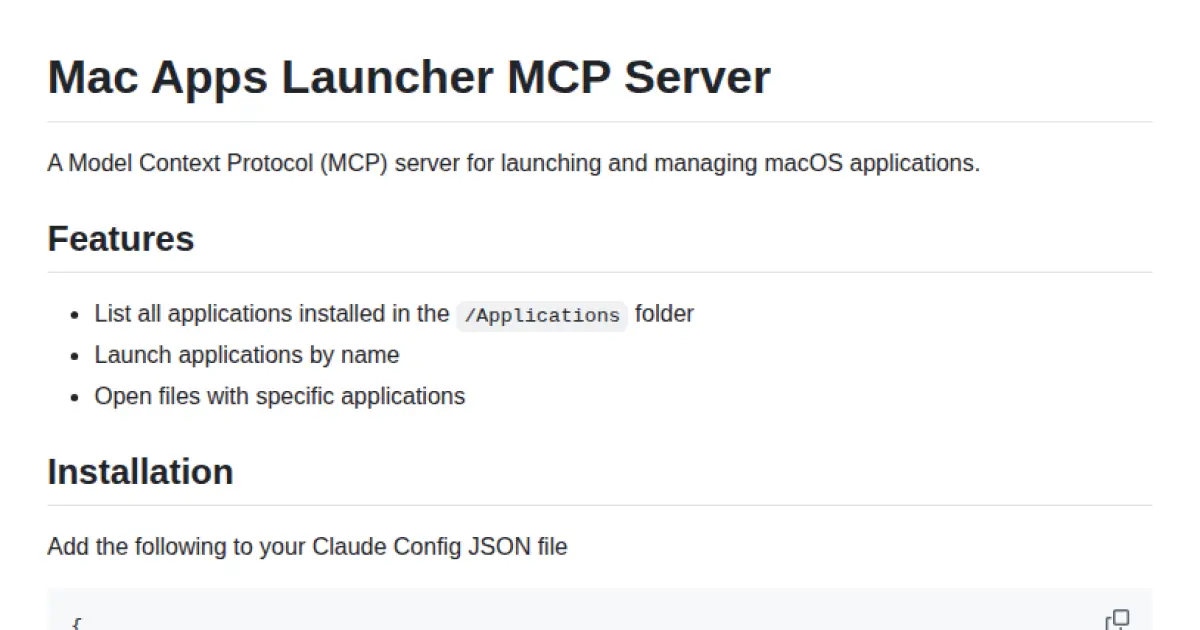
Launch and manage macOS applications via an MCP server.
Mac Apps Launcher MCP Server enables the listing, launching, and management of macOS applications through the Model Context Protocol. Designed to integrate with systems supporting MCP, it provides standardized methods to enumerate app folders, launch apps by name, and open files with specified applications. Configuration details are provided for integration with Claude Config JSON.
- ⭐ 16
- MCP
- JoshuaRileyDev/mac-apps-launcher
-
Desktop Commander MCP
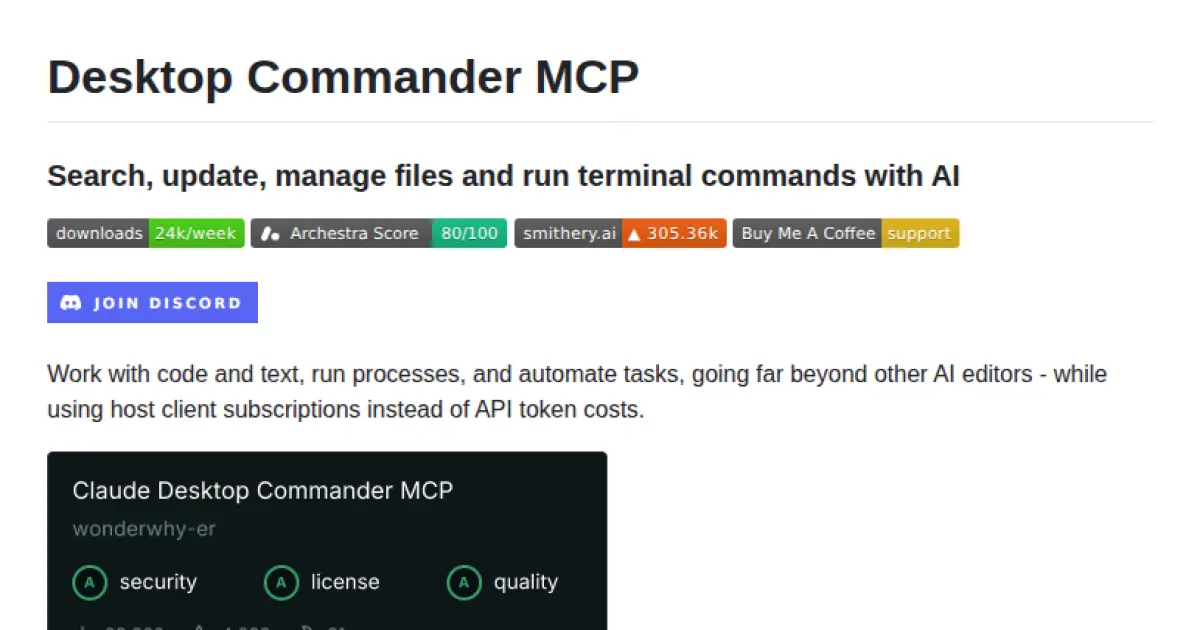
AI-powered local tool for managing files, processes, and terminals using Model Context Protocol.
Desktop Commander MCP enables users to search, manage files, run terminal commands, and automate development tasks through Model Context Protocol (MCP). It offers interactive process management, in-memory code execution, advanced file operations, pattern-based file editing, and comprehensive audit logging. Built on top of MCP Filesystem Server, it integrates multiple developer tools within a conversational interface, supporting enhanced process control and efficient workflow automation.
- ⭐ 4,883
- MCP
- wonderwhy-er/DesktopCommanderMCP
-
kill-process-mcp
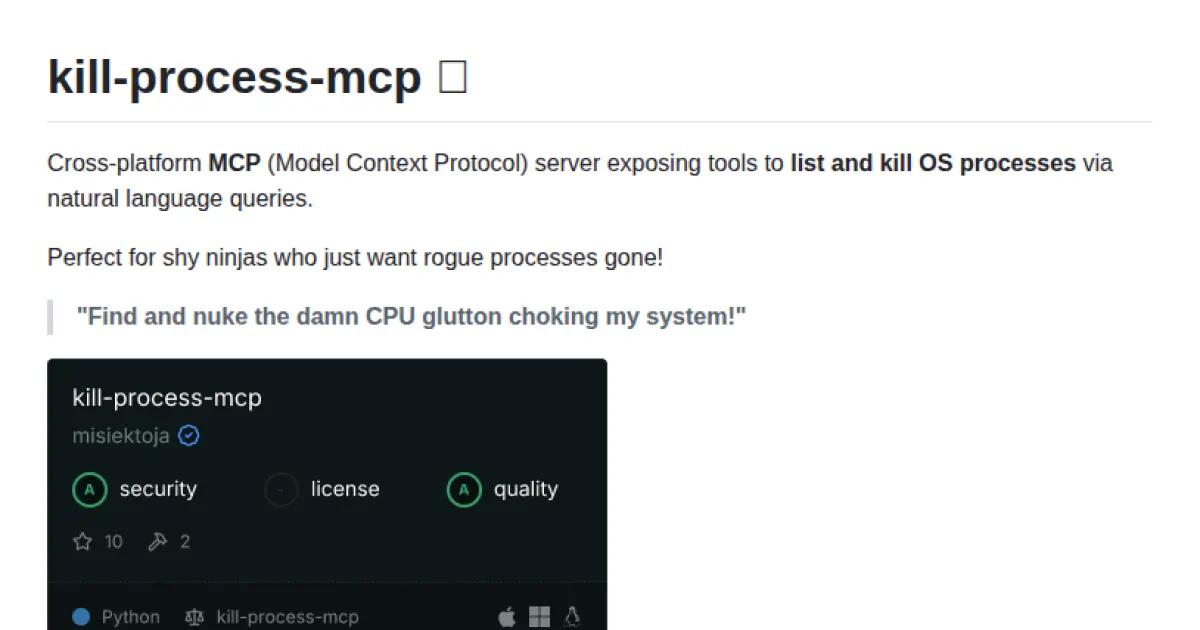
Natural language interface to manage and terminate system processes across platforms.
kill-process-mcp is a cross-platform Model Context Protocol (MCP) server that enables users to list and kill operating system processes using natural language queries. It integrates with MCP-compatible LLM clients such as Claude Desktop and Cursor, offering tools for process inspection and termination. Designed for ease of use, it exposes commands to enumerate and manage processes by filtering, sorting, and executing termination based on contextual instructions.
- ⭐ 10
- MCP
- misiektoja/kill-process-mcp