Flipt MCP Server
MCP server for Flipt, enabling AI assistants to manage and evaluate feature flags.
Key Features
Use Cases
README
Flipt MCP Server


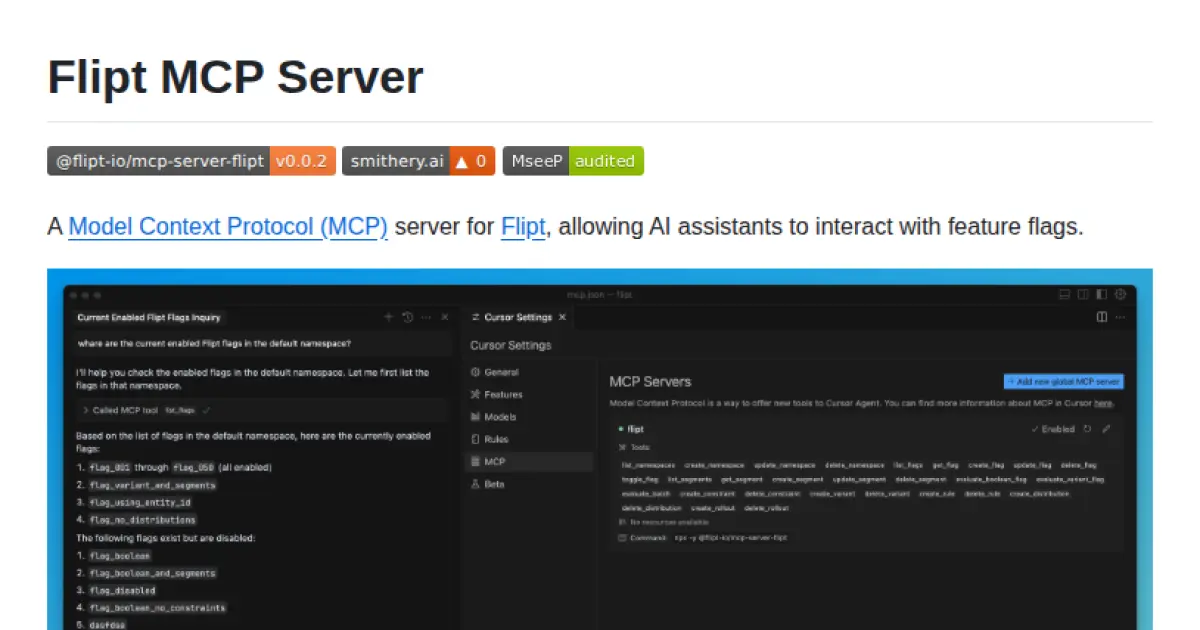
A Model Context Protocol (MCP) server for Flipt, allowing AI assistants to interact with feature flags.
Features
- List, create, update, and delete namespaces, flags, segments, rules, and more
- Evaluate flags for specific entities
- Toggle flags on/off
- Manage constraints, variants, distributions, and rollouts
Usage
Once the server is running, it will:
- Set up a STDIO transport for MCP communication
- Register tools and prompts for interacting with Flipt
The server is designed to be used with AI assistants that support the Model Context Protocol.
Installing via Smithery
To install Flipt MCP Server for Claude Desktop automatically via Smithery:
npx -y @smithery/cli install @flipt-io/mcp-server-flipt --client claude
Node
You can install the package globally and run it:
npm install -g @flipt-io/mcp-server-flipt && mcp-server-flipt
Or run it directly with npx:
npx -y @flipt-io/mcp-server-flipt
Docker
You can also run the server in a Docker container:
docker run -d --name mcp-server-flipt ghcr.io/flipt-io/mcp-server-flipt:latest
Configuration
The server can be configured using environment variables:
FLIPT_API_URL: The URL of the Flipt API (default: http://localhost:8080)FLIPT_API_KEY: The API key to use for the Flipt API (optional)
You can set these in a .env file in the directory where you run the server.
Development
# Install dependencies
npm install

# Run in development mode
npm run dev

# Build the project
npm run build

# Start the server
npm start

# Format code
npm run fmt

# Lint code
npm run lint
License
Apache 2.0
Star History
Repository Owner

Organization
Repository Details
Programming Languages
Tags
Join Our Newsletter
Stay updated with the latest AI tools, news, and offers by subscribing to our weekly newsletter.
Related MCPs
Discover similar Model Context Protocol servers
Insforge MCP Server
A Model Context Protocol server for seamless integration with Insforge and compatible AI clients.
Insforge MCP Server implements the Model Context Protocol (MCP), enabling smooth integration with various AI tools and clients. It allows users to configure and manage connections to the Insforge platform, providing automated and manual installation methods. The server supports multiple AI clients such as Claude Code, Cursor, Windsurf, Cline, Roo Code, and Trae via standardized context management. Documentation and configuration guidelines are available for further customization and usage.
- ⭐ 3
- MCP
- InsForge/insforge-mcp
Firefly MCP Server
Seamless resource discovery and codification for Cloud and SaaS with Model Context Protocol integration.
Firefly MCP Server is a TypeScript-based server implementing the Model Context Protocol to enable integration with the Firefly platform for discovering and managing resources across Cloud and SaaS accounts. It supports secure authentication, resource codification into infrastructure as code, and easy integration with tools such as Claude and Cursor. The server can be configured via environment variables or command line and communicates using standardized MCP interfaces. Its features facilitate automation and codification workflows for cloud resource management.
- ⭐ 15
- MCP
- gofireflyio/firefly-mcp
GrowthBook MCP Server
Interact with GrowthBook from your LLM client via MCP.
GrowthBook MCP Server enables seamless integration between GrowthBook and LLM clients by implementing the Model Context Protocol. It allows users to view experiment details, add feature flags, and manage GrowthBook configurations directly from AI applications. The server is configurable via environment variables and leverages GrowthBook's API for functionality. This integration streamlines experimentation and feature management workflows in AI tools.
- ⭐ 15
- MCP
- growthbook/growthbook-mcp
Agentset MCP
Open-source MCP server for Retrieval-Augmented Generation (RAG) document applications.
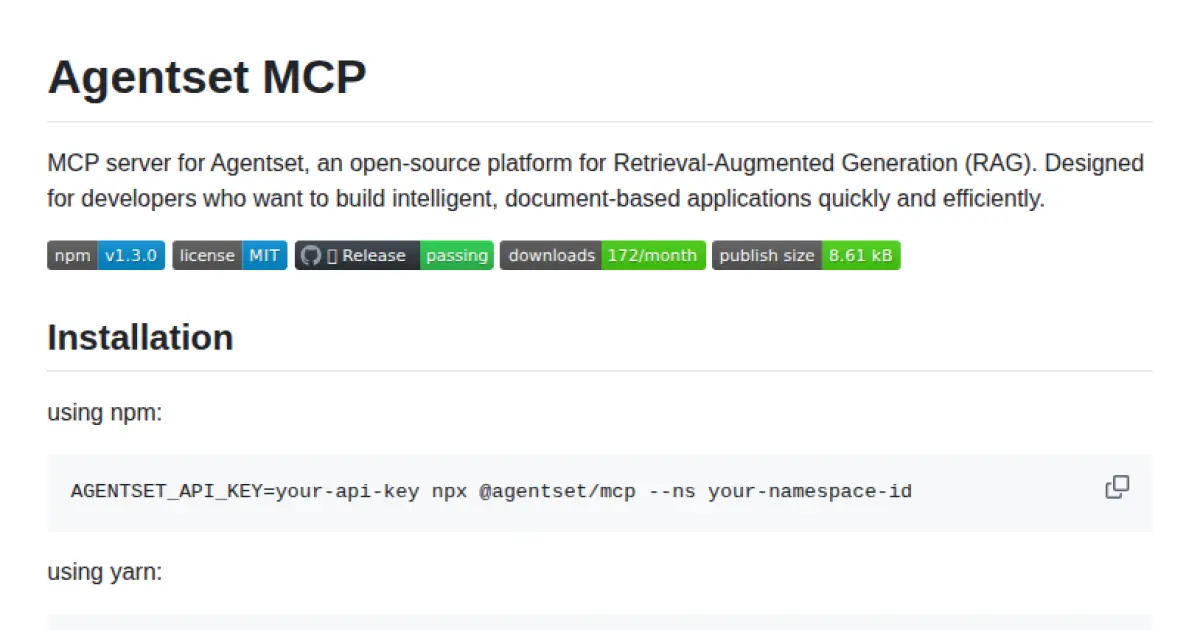
Agentset MCP provides a Model Context Protocol (MCP) server designed to power context-aware, document-based applications using Retrieval-Augmented Generation. It enables developers to rapidly integrate intelligent context retrieval into their workflows and supports integration with AI platforms such as Claude. The server is easily installable via major JavaScript package managers and supports environment configuration for namespaces, tenant IDs, and tool descriptions.
- ⭐ 22
- MCP
- agentset-ai/mcp-server
Flowcore Platform MCP Server
A standardized MCP server for managing and interacting with Flowcore Platform resources.
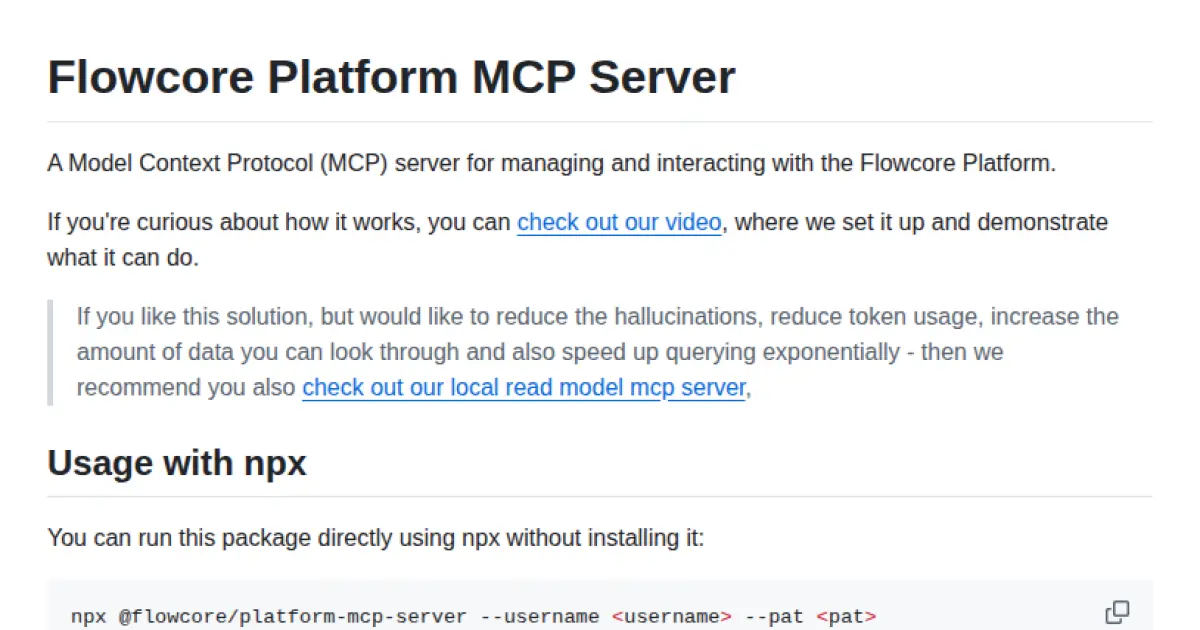
Flowcore Platform MCP Server provides an implementation of the Model Context Protocol (MCP) for seamless interaction and management of Flowcore resources. It enables AI assistants to query and control the Flowcore Platform using a structured API, allowing for enhanced context handling and data access. The server supports easy deployment with npx, npm, or Bun and requires user authentication using Flowcore credentials.
- ⭐ 9
- MCP
- flowcore-io/mcp-flowcore-platform
Plane MCP Server
Enables LLMs to manage Plane.so projects and issues via the Model Context Protocol.
Plane MCP Server provides a standardized interface to connect large language models with Plane.so project management APIs. It enables LLMs to interact directly with project and issue data, supporting tasks such as listing projects, retrieving detailed information, creating and updating issues, while prioritizing user control and security. Installation is streamlined through tools like Smithery, and configuration supports multiple clients including Claude for Desktop.
- ⭐ 32
- MCP
- kelvin6365/plane-mcp-server
Didn't find tool you were looking for?