What is YoutubeDigest?
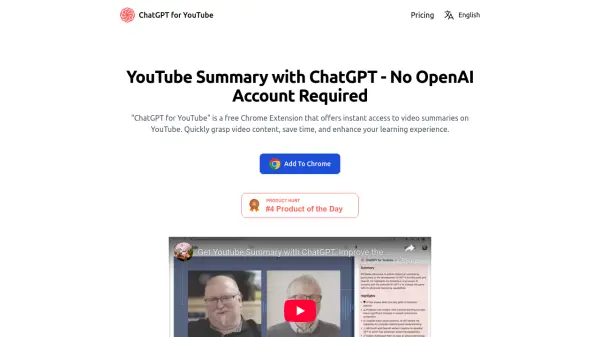
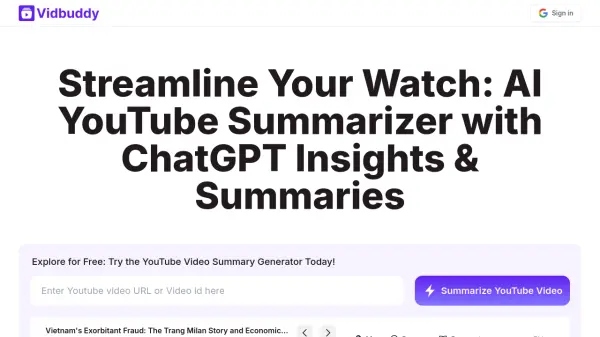
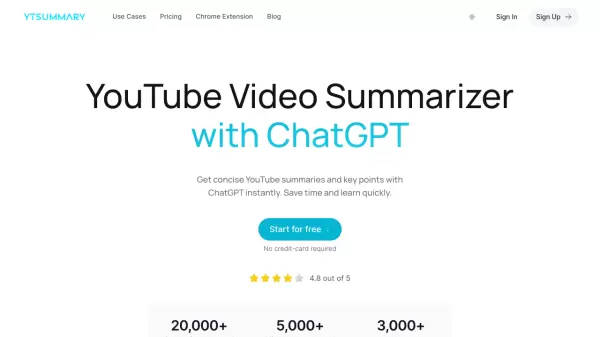
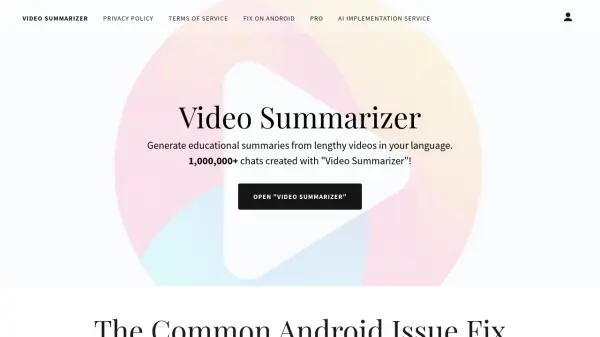
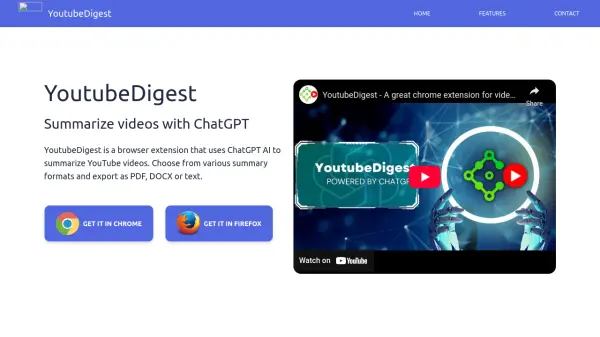
YoutubeDigest is a browser extension designed to enhance your YouTube experience by providing concise summaries of videos. Utilizing ChatGPT AI, it saves you time by extracting the core information from videos.
This tool allows you to customize summaries into different formats and export them in various file types, including PDF, DOCX, and text. It also supports translation into multiple languages, catering to a global audience.
Features
- Summarize video into multiple formats: Provides summaries in formats like Article and Bullet Points.
- Translate to multiple languages: Offers translation of summaries into various languages.
- Export and Share summaries: Allows exporting summaries to PDF, Docx, text files, or creating a shareable link.
Use Cases
- Quickly grasping the content of a YouTube video without watching the entire video.
- Creating summaries of educational videos for study notes.
- Translating video content into different languages.
- Sharing summarized content with others.
FAQs
-
Do I need a chatgpt account to run this extension ?
Yes, the extension requires that the user has a chatGPT account in order for it to work. -
Does it only work for youtube ?
That is correct, but we plan extend that. If you have any requests, please add it in the support tab. -
Can it translate the transcript to a different language ?
Yes, the extension can summarize in a lot of languages and you can add a language yourself if it's not in the list