What is VoteGPT?
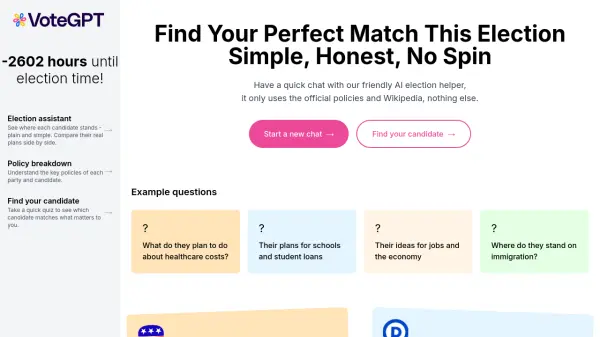
VoteGPT is an election assistant designed to provide clear and unbiased information about candidates and their policies. It uses official policies and Wikipedia data to help voters make informed decisions. The tool offers a simple way to compare candidates' stances side by side and understand the key policies of each party.
VoteGPT allows users to engage in a quick chat with an AI helper to clarify policy details and answer specific questions, such as plans for healthcare costs, education, the economy, and immigration. It aims to remove spin and present information in a straightforward manner, promoting informed electoral participation.
Features
- Policy Breakdown: Understand the key policies of each party and candidate.
- Candidate Comparison: See where each candidate stands - plain and simple. Compare their real plans side by side.
- Find Your Candidate: Take a quick quiz to see which candidate matches what matters to you.
- AI Chat: Ask specific questions about candidate policies, such as healthcare, education, economy, and immigration.
Use Cases
- Understanding candidate stances on specific issues.
- Comparing policies of different political parties.
- Identifying the candidate that best aligns with personal values.
- Getting quick answers to election-related questions.
- Making informed decisions during elections.