What is The Crawl Tool?
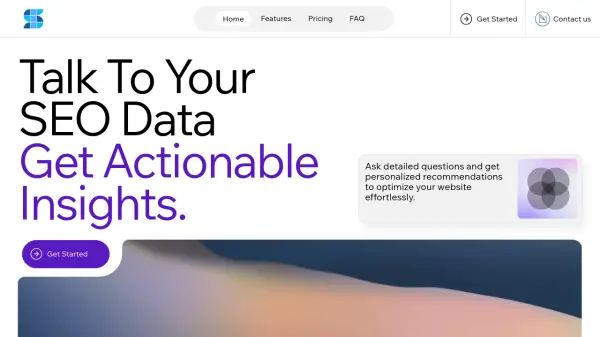
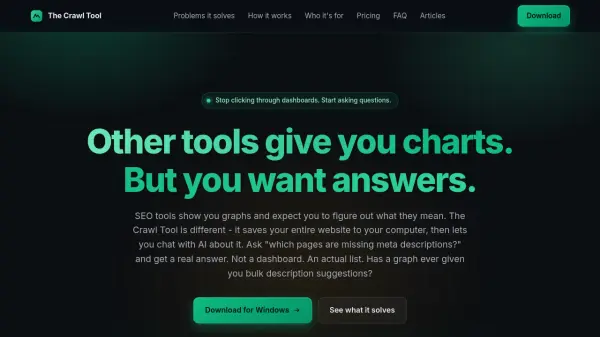
The Crawl Tool is a desktop application that crawls any website and saves its data locally. It then allows you to interact with the crawled data through an AI-powered chat interface. Unlike traditional SEO tools that present data in dashboards and charts, The Crawl Tool lets you ask specific questions in plain English and receive direct, actionable answers. For example, you can ask "which pages are missing meta descriptions?" and get a list of every matching page. The tool can also perform bulk actions like generating and saving meta descriptions as notes. It is designed for SEO professionals, marketers, and website owners who want to analyze websites quickly without going through complex reports. The Crawl Tool supports JavaScript-heavy pages and handles lazy-loaded content. It can also be used to analyze competitor websites by crawling them and asking the AI to summarize their content strategy or extract specific elements. The tool prioritizes privacy by keeping all crawl data and AI conversations on the user's computer, not on the cloud.
Features
- AI-Powered Chat: Ask any question about your crawled website in plain English and get real answers.
- Local Data Storage: All crawled data and chat history stay on your computer.
- JavaScript Crawling: Handles modern websites including single-page apps and lazy-loaded content.
- Bulk Actions: Generate and save changes like meta descriptions directly from chat.
- Competitor Analysis: Crawl any site and ask AI to summarize content strategy or extract CTAs.
- Multi-Platform AI: Works with OpenRouter API or local AI models via LM Studio.
Use Cases
- Find all pages missing meta descriptions, titles, or H1s across a website.
- Identify broken images, duplicate titles, or thin content without manual review.
- Summarize a competitor's content strategy and extract their calls-to-action.
- Cluster pages by topic for internal linking planning.
- Generate meta descriptions or alt text for multiple pages in bulk.
- Track website changes between crawls by comparing local snapshots.
- Understand site structure and content gaps for new website projects.
FAQs
-
How is this different from other SEO tools?
Other tools show you dashboards and expect you to figure things out. The Crawl Tool saves your website data and lets AI do the analysis. Ask a question in plain English, get an answer based on your actual pages. You can also avoid ongoing AI costs by using local AI. -
Which AI services can I use?
The built-in Chat works with OpenRouter and any local AI that has an API endpoint, including models running on your own computer via LM Studio or similar tools. -
Is my data sent to your servers?
No. Everything stays on your computer. Your website crawl is saved locally, and your AI conversations happen directly between the app and your chosen AI service. -
Does it work on Mac and Linux?
The app is built to work on all desktop platforms. We currently ship a Windows installer, with Mac and Linux versions coming soon. -
Can it crawl JavaScript-heavy websites?
Yes. The app renders pages exactly like a real browser would, so single-page applications and sites with lazy-loaded content are handled properly.