Tapatalk favicon

Tapatalk
Building and Participating in Great Communities

What is Tapatalk?

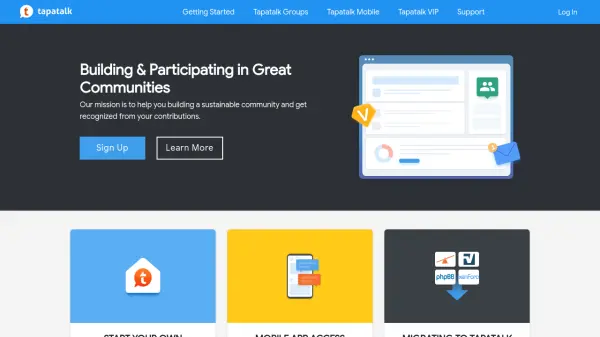
Tapatalk is a platform designed to assist users in building and participating in great communities. It focuses on helping community builders create sustainable environments and gain recognition for their contributions. The platform provides tools for starting new groups, enabling mobile app access for existing forums, and migrating forums to Tapatalk Groups.

By leveraging AI, Tapatalk enhances community management and engagement, making it easier to maintain and grow online forums. It supports various community-building activities, from initial setup to ongoing participation, ensuring a seamless experience for both creators and members.

Features

  • Community Building: Create new groups to build your own community
  • Mobile App Access: Activate Tapatalk mobile app access on existing forums
  • Forum Migration: Request migration previews for existing forums to Tapatalk Groups

Use Cases

  • Building new online communities from scratch
  • Enhancing existing forums with mobile app access
  • Migrating forums to a more integrated platform

Related Tools:

Blogs:

  • AI tools for video voice overs

    AI tools for video voice overs

    Discover the next level of video production with AI-powered voiceover tools. Enhance your content effortlessly, ensuring professional-quality narration for your videos.

  • Top 6 AI note-taking tools for 2026: in-person, online, and hybrid use cases

    Top 6 AI note-taking tools for 2026: in-person, online, and hybrid use cases

    Most AI note-taking lists are really lists of meeting bots, which join your video call and transcribe it. That's useful, but it's half the picture. Decisions happen in hallway conversations, client dinners, on-site visits, and hybrid rooms where nobody is on a video link. This guide covers different parts of the note-taking workflow: hardware capture for in-person settings, platform-native tools for online calls, and AI layers for organizing and synthesizing what you've captured. It compares six tools by capture context, workflow fit, pricing, and limitations.

Didn't find tool you were looking for?

Be as detailed as possible for better results