What is StoryPorts?
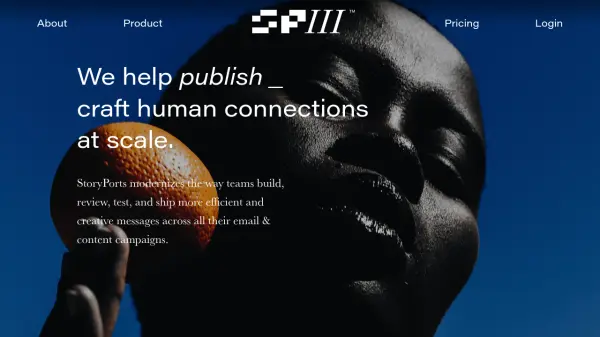
StoryPorts transforms the way organizations build and manage email and content campaigns by offering a unified platform for design, collaboration, and content personalization. With powerful features for reusable design systems, frictionless collaboration, and automated nurture tracks, users can produce more effective communications faster and at scale, while engaging targeted audiences with tailored messaging.
The platform supports end-to-end content workflow from ideation through deployment, accommodating multiple team members and enhancing productivity with intuitive interfaces, embeddable content hubs, and advanced content widgets. StoryPorts makes tailored digital storytelling accessible to businesses of all sizes, helping them connect with audiences through engaging, on-brand experiences.
Features
- On-Brand Email Design: Create and reuse custom email design systems without designer involvement.
- Team Collaboration: Invite team members to comment, share feedback, and approve content effortlessly.
- Drag-and-Drop Editor: Build layouts and edit content in real time with an intuitive design studio.
- Automated Nurture Tracks: Design and deploy multiple content versions and powerful nurture tracks quickly.
- Personalized Content Hubs: Build personalized, embeddable hubs and collections tailored to audience interests.
- Content Widgets: Integrate rich media and dynamic widgets such as video, countdown timers, and custom feeds.
- Multi-Format Export: Export to multiple formats (HTML, EML, JSON, RSS, etc.) for seamless deployment.
- Advanced Analytics: Track engagement and campaign performance with advanced click tracking.
- Asset Management: Organize, store, and share high-speed images and assets across workspaces.
- Third-Party Integrations: Support for popular platforms like Salesforce, Mailchimp, Pardot, Gmail, and more.
Use Cases
- Designing and launching personalized email marketing campaigns without coding.
- Collaborative content creation and approval for distributed marketing teams.
- Building interactive content hubs to engage and grow online audiences.
- Streamlining multi-variant A/B testing and content optimization for higher campaign ROI.
- Automating nurture tracks to deliver targeted communications to segmented audiences.
- Enabling agencies to manage bespoke design systems for multiple clients or brands.
FAQs
-
What does the Freemium plan include?
The Freemium plan includes one user, one workspace, up to three projects, and a 30-day project history, allowing access to core email and content creation features. -
Can StoryPorts handle team collaboration?
Yes, StoryPorts enables teams to collaborate by inviting members to comment, approve, and resolve feedback within shared projects and workspaces. -
What kind of content can I create with StoryPorts?
Users can create a wide range of email campaigns, landing pages, embeddable content hubs, and multi-format digital communications using built-in design and content tools.