What is Stately?
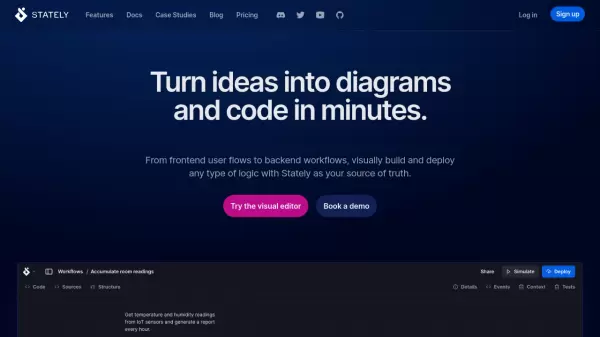
Stately is a comprehensive visual development platform that transforms how teams design and implement application logic. Using a drag-and-drop editor, it enables teams to create visual state machines that can be converted into production-ready code, making it accessible for both technical and non-technical team members.
Built around XState, an open-source JavaScript state management library, Stately provides seamless integration between visual diagrams and code. The platform supports AI-assisted development, instant React app generation, automatic test creation, and deployment capabilities through Stately Sky, offering a complete solution for frontend and backend workflow management.
Features
- Visual Editor: Drag-and-drop interface for creating state machines and workflows
- AI Integration: AI-assisted flow generation and code suggestions
- Code Generation: Automatic JavaScript/TypeScript code generation from diagrams
- React Integration: Instant React app generation from state machines
- Figma Integration: Embed and sync Figma designs within state machines
- Testing Tools: Automatic test generation and simulation capabilities
- Cloud Deployment: One-click deployment through Stately Sky
- Version Control: GitHub sync and version history tracking
Use Cases
- Frontend user flow design
- Backend workflow implementation
- Multiplayer application development
- Medical patient onboarding flows
- Inventory management systems
- Document collaboration systems
- Team documentation and alignment
- Application state management
FAQs
-
What is XState and how does it relate to Stately?
XState is the underlying open-source JavaScript state management library that powers Stately. It handles state management in JavaScript and TypeScript apps, while Stately provides the visual interface and additional features built on top of XState. -
Can I export my diagrams to code?
Yes, Stately allows you to export your visual diagrams to both JavaScript and TypeScript code, and can also generate React applications from your state machines. -
Does Stately support team collaboration?
Yes, Stately offers team plans that include features like shared team projects, team admins and editors, and unlimited view-only access for non-team members.