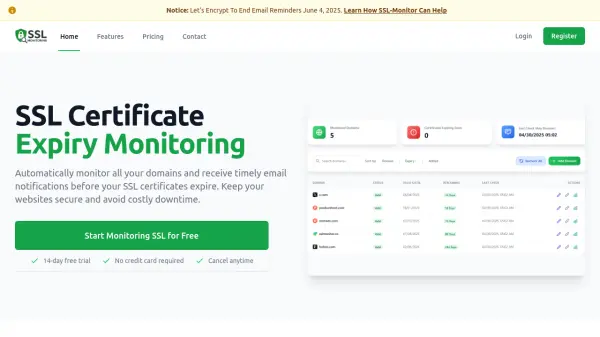
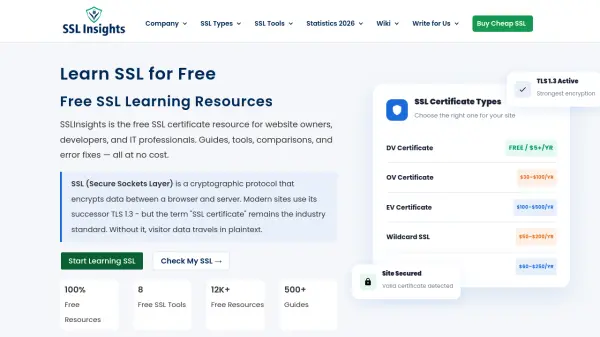
What is SSLInsights?
SSLInsights is a comprehensive online resource dedicated to educating website owners, developers, and IT professionals about SSL/TLS certificates and security. The platform offers a wealth of free learning materials, including detailed guides, comparisons of SSL certificate types, and a suite of eight free tools for tasks such as checking certificate validity, generating CSRs, converting certificate formats, and diagnosing mixed content issues. Additionally, visitors can explore SSL/TLS statistics, error fixes, and provider reviews to make informed decisions about their website security. All resources are provided free of charge, with no cost to access the knowledge and tools essential for maintaining a secure online presence.
Features
- Free SSL Tools: Eight free utilities including SSL Checker, CSR Generator, SSL Converter, Why No Padlock, CSR Decoder, Key Matcher, SSL Compare, and SSL Wizard.
- SSL Certificate Guides: In-depth explanations of DV, OV, EV, Wildcard, Multi-Domain, and Code Signing certificates.
- SSL/TLS Statistics: Data on SSL/TLS adoption, phishing, and cybersecurity trends for 2026.
- SSL Error Fixes: Step-by-step solutions for common SSL installation and configuration errors.
- Provider Reviews: User reviews and testimonials for SSL certificate providers to aid purchasing decisions.
- SSL Comparison Tool: Side-by-side price and feature comparison across top certificate authorities.
Use Cases
- Learning about SSL/TLS certificates and their types.
- Checking the validity and configuration of an SSL certificate on a domain.
- Generating a Certificate Signing Request (CSR) without command-line tools.
- Converting SSL certificate formats (PEM, DER, PFX, P7B) for different servers.
- Diagnosing why a padlock icon is not displaying on an HTTPS site.
- Comparing SSL certificate prices and features from different providers.
- Decoding and verifying the contents of a CSR.
FAQs
-
What is the difference between SSL and TLS?
SSL is the original protocol, now deprecated due to vulnerabilities in SSL 2.0 and 3.0. TLS is the successor - TLS 1.2 and 1.3 are what all modern servers actually use. "SSL certificate" persists as industry shorthand even though every certificate today operates over TLS. -
Is my website SSL configured correctly if I see the padlock?
Not necessarily. The padlock confirms the certificate is valid, but it doesn't verify your TLS version is current, your cipher suite is secure, or your chain is complete. Run the SSL Checker Tool to verify all configuration layers, not just surface-level padlock status. -
What happens when an SSL certificate expires?
Browsers immediately display a full-page security warning that blocks visitor access. Search engines may also flag the site. Most CAs send warnings 30, 15, and 7 days before expiry. Auto-renewal via Let's Encrypt's ACME protocol prevents expiration if configured correctly. -
Do I need SSL if my website doesn't collect data?
Yes. HTTPS is a confirmed Google ranking signal regardless of whether your site collects data. Browsers label all HTTP pages as "Not Secure" in the address bar. A free Let's Encrypt certificate eliminates this issue at no cost. -
What is a wildcard SSL certificate and when do I need one?
A wildcard certificate secures one primary domain and unlimited first-level subdomains under a single certificate — for example, covering shop., blog., and mail. simultaneously. The right choice when managing three or more subdomains.