What is Somny?
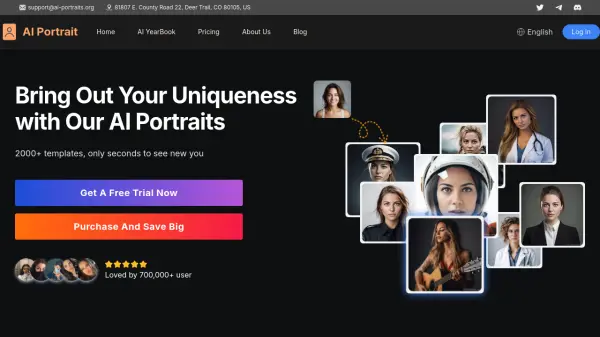
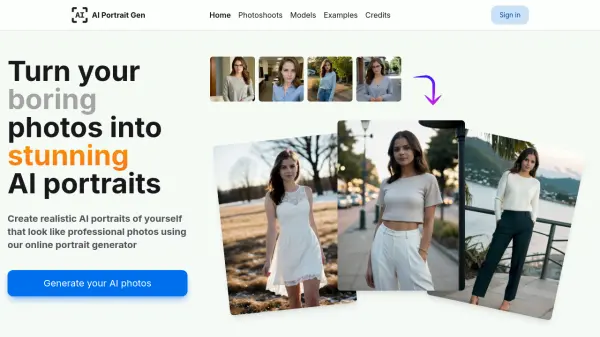
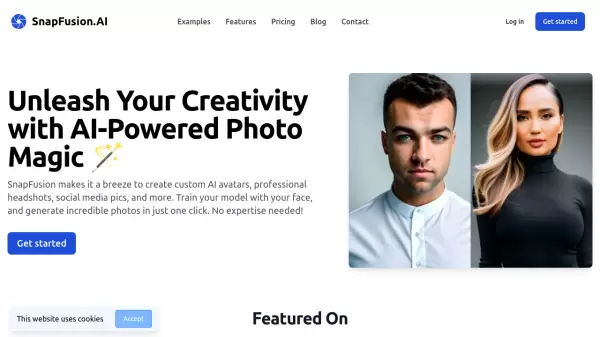
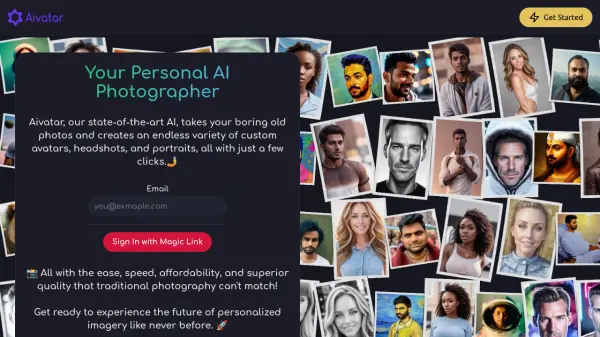
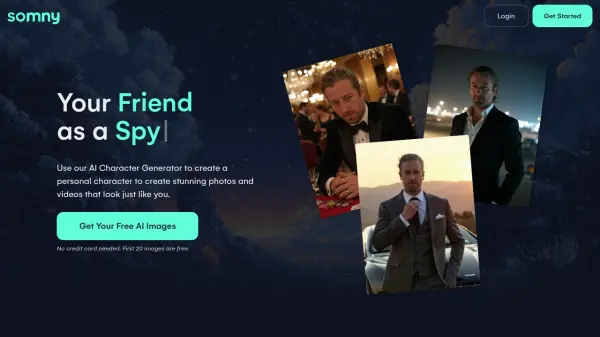
Somny is an advanced AI image and video generator that transforms personal photos into lifelike digital characters. The platform allows users to create personalized AI portraits, headshots, and videos that accurately resemble them, their friends, family, or pets. By uploading 10-20 clear photos, users can generate an AI character that serves as the foundation for creating various styles of images and cinematic videos.
The tool offers a free trial with 20 AI images to explore different creative directions before upgrading to paid plans. Somny's AI technology ensures realistic results without generic or distorted outputs, making it suitable for professional headshots, social media content, and creative projects. The platform includes features like idea enhancement, random prompt generation, and remixing capabilities to boost creativity and produce unique digital content.
Features
- AI Character Generator: Creates lifelike digital characters from uploaded photos
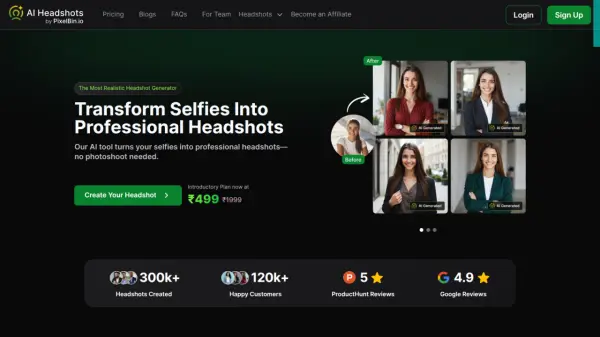
- AI Image Generation: Produces photorealistic portraits and headshots that resemble the user
- AI Video Generation: Turns images into cinematic videos with motion and expression
- Idea Enhancer: Provides smart suggestions to improve creative concepts
- Random Ideas: Generates spontaneous prompts for new creative directions
- Remix Feature: Allows users to adapt existing AI images to include their character
Use Cases
- Creating professional AI headshots for business profiles
- Generating personalized social media content
- Trying different hairstyles or looks virtually
- Creating fantasy avatars or themed portraits
- Producing AI videos for creative projects
- Generating pet portraits and family photos
- Creating themed images for holidays or special occasions
FAQs
-
What types of photos work best for creating an AI character?
Clear, high-quality photos with good lighting and different angles work best for creating accurate AI characters. -
Can I use Somny for commercial purposes?
Yes, the Creator and Somniac plans include commercial use rights for generated content. -
How many photos do I need to upload to create an AI character?
You need to upload 10 to 20 clear photos to create an accurate AI character. -
What happens to my monthly credits if I don't use them all?
Monthly subscription credits reset each month, but purchased top-up credits roll over to the next month. -
Can I create multiple AI characters with one account?
Yes, you can create multiple AI characters for yourself, friends, family, or pets with your account.