What is SEO Tool Checkers?
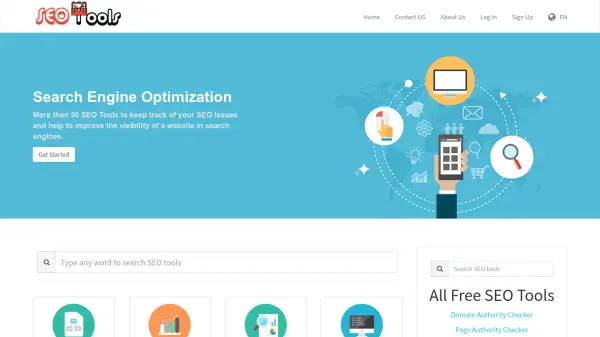
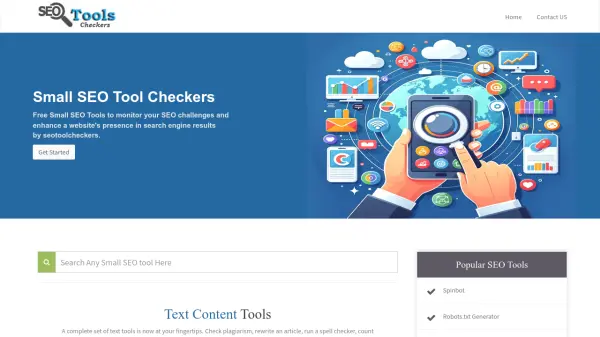
SEO Tool Checkers delivers an extensive suite of free, web-based tools to streamline search engine optimization and website management tasks. The platform empowers users with solutions spanning text analysis, keyword research, backlink evaluation, website performance monitoring, domain management, meta tag analysis, image editing, and more. Each tool aims to simplify complex SEO challenges, allowing users to conduct plagiarism checks, analyze keyword positions, review backlinks, assess website speed, generate sitemaps, and perform a variety of additional functions—all from a single, integrated website.
With a user-friendly interface and dedicated resources for both newcomers and experienced professionals, SEO Tool Checkers facilitates the ongoing improvement of website rankings and online visibility. The tools are tailored to meet the needs of content creators, webmasters, digital marketers, and SEO specialists, supporting improved content quality, technical health, and compliance with search engine best practices.
Features
- Plagiarism Detection: Identify and eliminate duplicate content across websites.
- Article Rewriting: Rephrase text with integrated spinning tools for freshness.
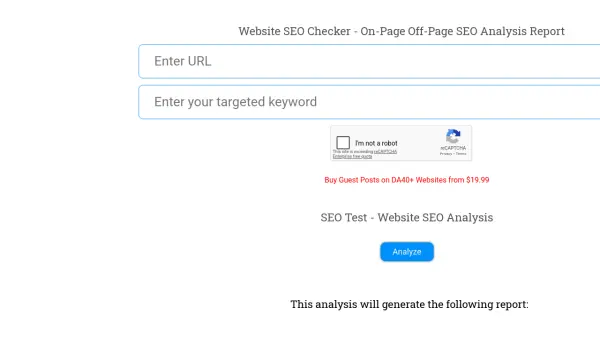
- Keyword Research: Analyze keyword positions, density, and suggestions for optimization.
- Backlink Analysis: Assess link profiles, check backlinks, and detect broken links.
- Website Performance Monitoring: Measure page speed, page size, and server status to ensure optimal site health.
- Domain Tools: Determine domain age, authority, DNS records, and hosting details.
- Meta Tags Evaluation: Generate and analyze meta tags for better SEO performance.
- Image Editing: Compress, resize, and convert image formats while maintaining quality.
- Security & Privacy Utilities: Enhance privacy with tools like email privacy checks and suspicious domain checkers.
- Other Utilities: Includes CSV to JSON converter, QR code decoder, password tools, and bulk URL operations.
Use Cases
- Detecting and preventing plagiarism in website content.
- Optimizing keyword usage for blog posts and landing pages.
- Auditing backlinks to improve link-building strategies.
- Analyzing and improving website loading speeds.
- Generating accurate and SEO-friendly meta tags.
- Evaluating domain authority and history before purchase.
- Bulk converting file formats and managing technical web tasks.
- Ensuring web security by checking suspicious domains and server status.