What is RadPix?
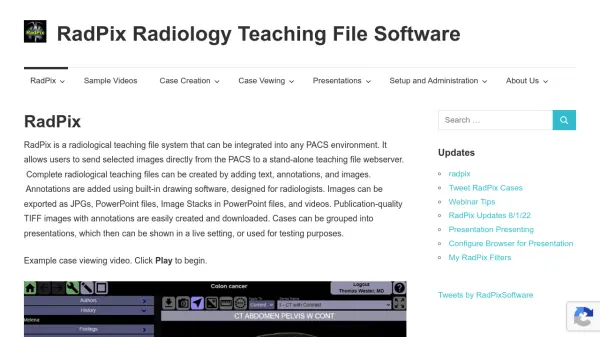
RadPix is a comprehensive radiological teaching file system designed to integrate seamlessly into any PACS environment. It enables users to send selected images directly from their PACS to a stand-alone teaching file webserver, where complete radiological teaching files can be created by adding text, annotations, and images. Annotations are added using built-in drawing software tailored for radiologists. Images can be exported as JPGs, PowerPoint files (including image stacks), and videos, while publication-quality TIFF images with annotations are easily created and downloaded. Cases can be grouped into presentations for live teaching or testing purposes, with interactive audience participation features.
Features
- PACS Integration: Direct image transfer from any PACS system to RadPix webserver
- Built-in Annotation Tools: Radiologist-specific drawing software for adding annotations
- Multiple Export Formats: Export as JPG, PowerPoint, image stacks, videos, and TIFF with annotations
- Presentation Mode: Group cases into presentations for live teaching or testing with interactive audience participation
- Image Stack Scrolling: Scroll through stacks of images in PowerPoint slides similar to a PACS
Use Cases
- Radiology education and training
- Creating teaching files for medical students and residents
- Preparing presentations for conferences and lectures
- Publishing annotated radiological images in journals
- Interactive audience participation during live presentations
FAQs
-
How does RadPix integrate with existing PACS systems?
RadPix integrates seamlessly with any radiology PACS system, including Siemens, GE, Philips, Fujifilm, and more, by adding a new DICOM destination for the RadPix server. -
Can RadPix be used for live presentations?
Yes, RadPix includes a presentation mode that allows grouping cases for live teaching, with interactive audience participation and real-time display of participant answers. -
What export formats are supported?
RadPix supports export to JPG, PowerPoint files (including image stacks), videos, and publication-quality TIFF images with annotations.