What is Qquest?
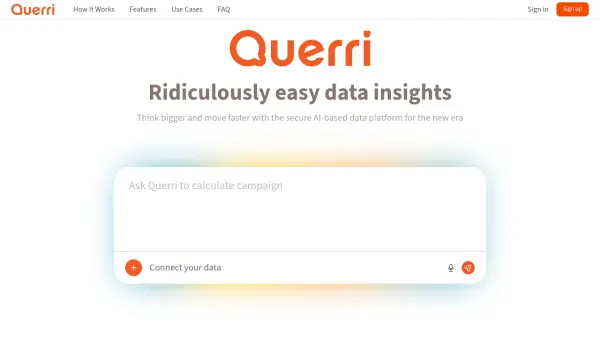
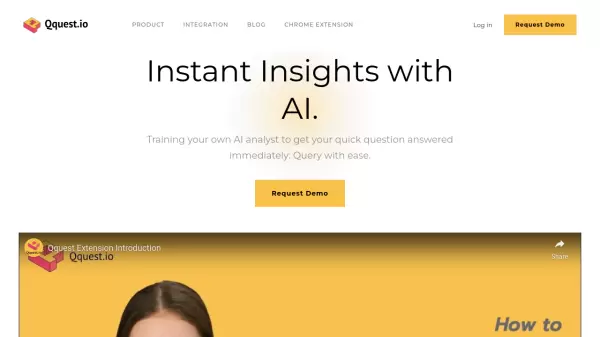
Qquest serves as a sophisticated bridge between data teams and business functions, enabling seamless collaboration and data understanding across organizations. The platform specializes in customizing insights for different departments, whether marketing, sales, or operations, ensuring that each team can access data-driven answers tailored to their specific needs.
The platform empowers users to build customized AI agents that understand specific business contexts, products, and customer dynamics. Through its no-code interface, Qquest makes complex data analysis accessible to all stakeholders, transforming raw data into actionable intelligence while enhancing cross-functional alignment and strategic decision-making capabilities.
Features
- Custom AI Agent Building: Create tailored AI assistants for specific business contexts
- No-Code Query Interface: Access and analyze data without coding knowledge
- Cross-Department Collaboration: Seamless data sharing and insights across teams
- Personalized Insights: Customized data analysis for different business functions
- Business Context Integration: AI agents that understand specific products and customers
Use Cases
- Data analysis for marketing teams
- Sales performance monitoring
- Operational efficiency analysis
- Business review meetings
- User behavior analysis
- Project-specific data queries
- Growth prediction and planning
FAQs
-
What types of data sources can Qquest integrate with?
Qquest can integrate with various data sources including data warehouses (Snowflake, Redshift, BigQuery), databases (MySQL, PostgreSQL, SQL Server), ads partners (Google Ads, Meta Ads, TikTok), analytics tools (Mixpanel, Amplitude, Google Analytics), and CRM tools (Salesforce, Hubspot, Braze). -
What are the main use cases for Qquest?
Main use cases include data visualization for presentations, understanding user and product usage, conducting business review meetings, creating targeting lists for projects, and predicting user behaviors for growth.