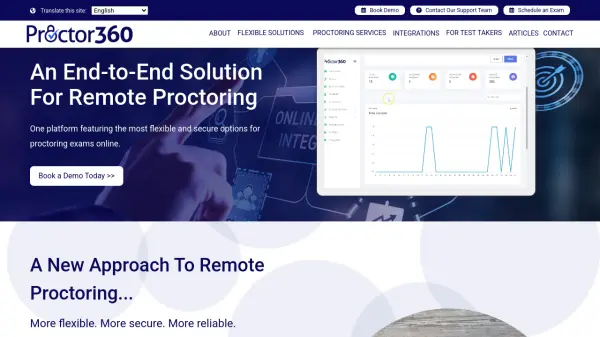
What is Proctor360?
Proctor360 offers an end-to-end remote proctoring platform designed to deliver flexible and secure online exam monitoring solutions. The platform features multiple proctoring types including AI auto-proctoring, single webcam live proctoring, multi-cam live proctoring, and the proprietary 360 Total View™ system with a specialized testing headset. These options allow institutions to configure each exam with appropriate security levels based on their specific requirements.
The technology incorporates automated check-in, ID verification, screen recording, camera monitoring, and audio capture to maintain testing integrity. Live proctoring options include real-time intervention capabilities and secure exam password entry. The platform supports various testing scenarios including higher education, professional certification, pre-employment testing, and ECI-regulated exam content, providing organizations with complete control over their online testing security protocols.
Features
- 360 Total View™ Proctoring: Patented testing headset with 360-degree camera for complete environment monitoring
- AI Auto-proctoring: Automated check-in, ID verification, and incident flagging without human intervention
- Multi-cam Live Proctoring: Uses cell phone as second camera for enhanced visibility and security
- Flexible Configuration: Multiple proctoring types can be configured per exam based on security requirements
- 24/7 Availability: Round-the-clock proctoring services for global testing needs
Use Cases
- Higher education institutions conducting online exams
- Professional certification organizations administering remote tests
- Companies performing pre-employment skills assessments
- Testing centers needing remote proctoring software
- ECI-regulated exam content administration
FAQs
-
What types of proctoring does Proctor360 offer?
Proctor360 offers AI auto-proctoring, single webcam live proctoring, multi-cam live proctoring, 360 Total View™ proctoring, and proctoring software for testing centers. -
How does the 360 Total View™ system work?
The 360 Total View™ system uses a proprietary testing headset with a 360-degree camera that captures the test candidate's entire environment during proctored sessions for enhanced security. -
Can Proctor360 handle different types of exams?
Yes, Proctor360 supports various exam types including higher education exams, professional certification tests, pre-employment assessments, and ECI-regulated content with flexible configuration options. -
Is there automated identity verification?
Yes, Proctor360's AI auto-proctoring includes automated ID verification as part of the check-in process to ensure test-taker authenticity. -
What support is available for test candidates?
Test candidates can access support through the Support Portal for scheduling exams, troubleshooting, and getting assistance during testing sessions.