
What is Playground Sessions?
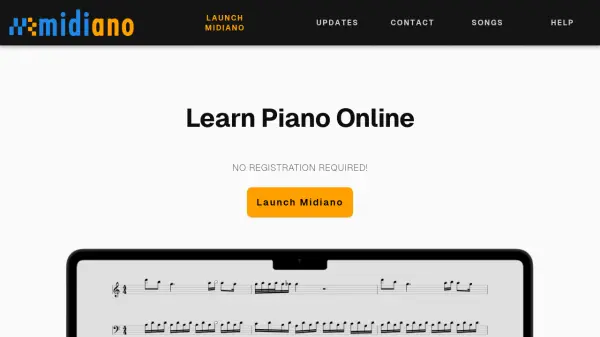
Playground Sessions is an innovative piano learning platform that leverages artificial intelligence to provide an engaging and effective educational experience. It offers interactive lessons that adapt to the user's skill level, providing real-time feedback on performance to help improve accuracy and technique. The platform is designed to make learning piano accessible and enjoyable for beginners and intermediate players alike.
With a focus on personalized learning, Playground Sessions uses AI to track progress and suggest practice routines tailored to individual needs. Users can learn at their own pace with a variety of songs and exercises, making it a versatile tool for anyone looking to enhance their musical skills. The platform's user-friendly interface and comprehensive curriculum support a structured approach to piano education.
Features
- Interactive Lessons: AI-driven lessons that adjust to skill levels
- Real-Time Feedback: Instant performance analysis for accuracy and technique
- Personalized Practice: Customized routines based on progress tracking
- Song Library: Variety of songs and exercises for learning
- Progress Tracking: AI monitors improvement and suggests next steps
Use Cases
- Learning piano from scratch
- Improving piano skills with structured practice
- Practicing songs with interactive guidance
- Tracking musical progress over time
- Enhancing technique through real-time feedback