Plask favicon

Plask
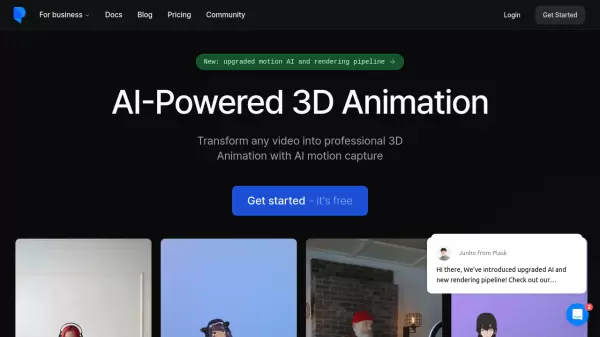
Transform any video into professional 3D Animation with AI motion capture

What is Plask?

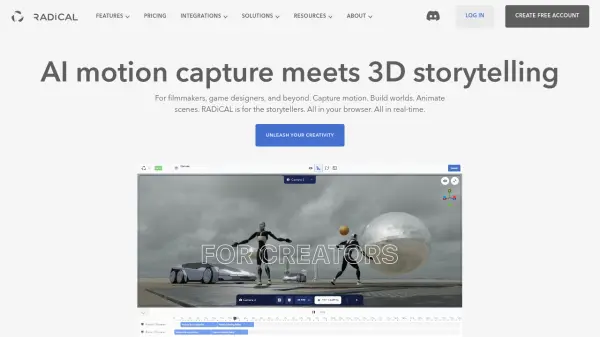
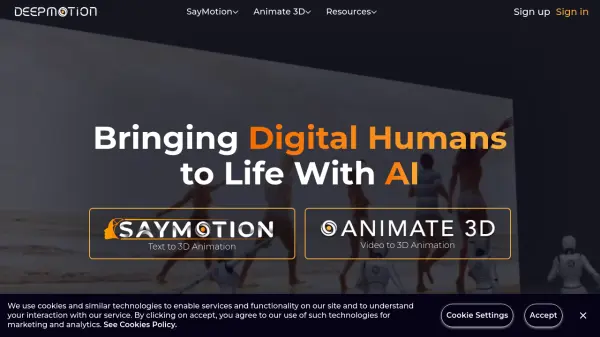
Plask revolutionizes 3D animation creation by leveraging artificial intelligence to transform ordinary videos into professional-grade 3D animations. The platform features best-in-class motion capture technology that extracts precise movement data from single-camera sources, supporting both body and hand tracking for natural, fluid animations.

The system offers comprehensive features including AI-assisted cinematography, advanced post-processing effects, and seamless integration with industry-standard software like Unreal, Unity, Maya, and Blender. Users can enhance their animations with sophisticated effects such as motion blur, auto-focus depth-of-field, and advanced tone mapping, making professional-quality 3D animation accessible to both beginners and experts.

Features

  • AI Motion Capture: Best-in-class body and hand tracking from single camera source
  • Multi-person Tracking: Support for capturing multiple subjects simultaneously
  • Automated Cinematography: AI-assisted lighting and camera controls
  • Post-processing Effects: Advanced features including motion blur and depth-of-field
  • Cross-platform Export: Compatible with Unreal, Unity, Maya, and Blender
  • Real-time Collaboration: Team-based workflow support
  • Custom Animation Service: 24-hour turnaround for TikTok-style videos

Use Cases

  • Game development animation creation
  • Film and virtual content production
  • Social media content generation
  • Virtual character animation
  • Dance motion capture
  • Educational 3D content creation
  • Virtual reality content development

FAQs

  • What is the maximum processing time limit for the free version?
    The free version has a 15 seconds daily limit for motion capture processing.
  • What file formats does Plask support for export?
    Plask supports FBX, GLB, and BVH export formats for 3D animations.
  • What type of video footage can be used for motion capture?
    Any video footage can be used, from smartphone recordings to professional camera footage.
  • Is there storage limitation?
    Yes, storage varies by plan: Free (1GB), Standard (3GB), and Pro (10GB).

Related Queries

Helpful for people in the following professions

Related Tools:

Blogs:

  • Best text to speech AI tools

    Best text to speech AI tools

    Text-to-speech (TTS) AI tools are designed to convert written or text-based content into natural-sounding spoken audio. These tools utilize various deep learning and neural network architectures to generate human-like speech from textual input.

  • Boost Engagement in Ads with AI

    Boost Engagement in Ads with AI

    Discover how AI music and AI SDR agents are reshaping modern advertising. Learn how emotional resonance through AI-generated soundtracks combined with smart, automated sales outreach can turn viewers into loyal customers faster, cheaper, and more personally than ever before.

  • Top AI tools for Teachers

    Top AI tools for Teachers

    Explore the top AI tools designed for teachers, revolutionizing the education landscape. These innovative tools leverage artificial intelligence to enhance teaching efficiency, personalize learning experiences, automate administrative tasks, and provide valuable insights, empowering educators to create engaging and effective educational environments.

  • Top 6 AI note-taking tools for 2026: in-person, online, and hybrid use cases

    Top 6 AI note-taking tools for 2026: in-person, online, and hybrid use cases

    Most AI note-taking lists are really lists of meeting bots, which join your video call and transcribe it. That's useful, but it's half the picture. Decisions happen in hallway conversations, client dinners, on-site visits, and hybrid rooms where nobody is on a video link. This guide covers different parts of the note-taking workflow: hardware capture for in-person settings, platform-native tools for online calls, and AI layers for organizing and synthesizing what you've captured. It compares six tools by capture context, workflow fit, pricing, and limitations.

Didn't find tool you were looking for?

Be as detailed as possible for better results