What is Plagium?
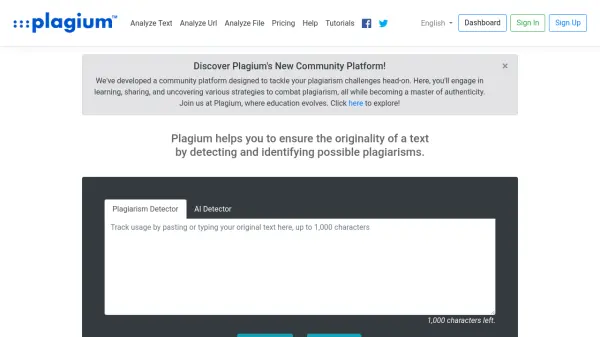
Plagium is a tool designed to verify the originality of text by identifying instances of potential plagiarism. It provides users with detailed reports, highlighting sections of text that match existing online sources.
This service offers multiple search options, including quick searches for occasional use and deep searches for more thorough analysis. Plagium can also analyze uploaded files (Microsoft Word, PDF, or text files) and compare documents, visually displaying the differences.
Features
- Quick Search: Paste text for occasional plagiarism checks.
- Deep Search: Provides advanced plagiarism detection levels and display tools.
- File Analysis: Upload Microsoft Word, PDF, or text files for analysis.
- File Comparison: Compare documents and visualize the differences.
- Google Drive Integration: Seamlessly transition from Google Drive to Plagium.
- Google Docs Add-on: Analyze Google Docs directly with Plagium.
Use Cases
- Verifying the originality of academic papers.
- Checking content for plagiarism before publication.
- Comparing two documents for similarities and differences.
- Analyzing uploaded files for potential plagiarism.
- Integrating plagiarism checks into a Google Docs workflow.
FAQs
-
What is the Plagium definition of a page?
The estimation of the number of pages is based on an average of 1000 to 4000 characters per page.