What is PerfectApplicant?
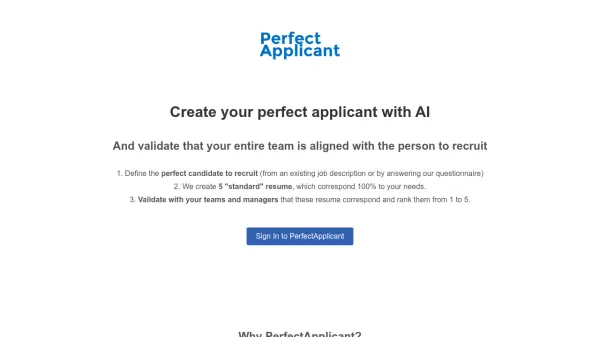
PerfectApplicant leverages artificial intelligence to help businesses define and visualize their ideal candidate. It facilitates the creation of perfectly matched candidate profiles based on existing job descriptions or by answering a detailed questionnaire. This ensures that everyone involved in the recruitment process, from team members to managers, are aligned with the target applicant before sourcing candidates, dramatically reducing time spent and optimizing the recruitment.
The platform assists to generates "standard" resumes which correspond 100% to provided information. It helps validate that your entire team is aligned and can rank generated resumes.
Features
- Candidate Definition: Define perfect candidates from an existing job description or by answering a questionnaire.
- Resume Generation: Creates five "standard" resumes that correspond 100% to your requirements.
- Team Validation: Allows teams and managers to validate and rank generated resumes to ensure alignment.
Use Cases
- Aligning recruitment teams on candidate profiles.
- Creating ideal candidate profiles for new roles.
- Validating recruitment criteria with stakeholders.
- Reducing recruitment failures due to misaligned expectations.