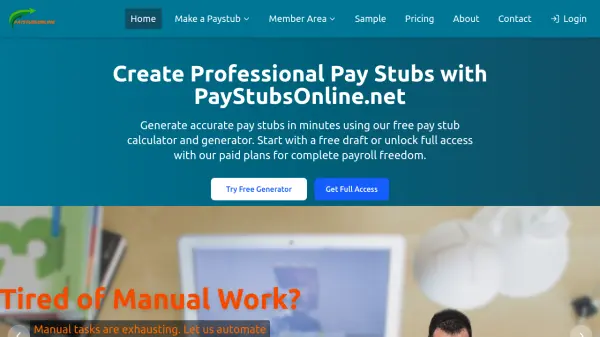
What is PayStubsOnline.net?
PayStubsOnline.net streamlines the process of creating pay stubs, enabling users to generate professional payroll documents quickly and accurately. The online platform features intuitive tools that automate calculations for taxes, deductions, and net pay so users can produce compliant and error-free pay stubs with just a few clicks.
Designed for freelancers, employees, and business owners, PayStubsOnline.net provides customizable templates, secure document storage, and instant download options. With both free drafts and comprehensive paid plans, users benefit from 24/7 access and dependable customer support, making payroll documentation hassle-free and efficient.
Features
- Instant Pay Stub Generation: Create pay stubs in seconds with automated calculations.
- Accurate Tax and Deduction Calculations: Automatically calculates and includes federal and state taxes, overtime, and deductions.
- Professional Templates: Multiple industry-standard templates for compliant and professional documentation.
- Secure Member Area: Save, download, and manage pay stubs securely.
- Free Draft Option: Preview pay stubs for free before purchase.
- Unlimited Access for Subscribers: Generate and download unlimited pay stubs with paid plans.
- Cloud-Based Access: Generate pay stubs anytime, anywhere with 24/7 availability.
- User-Friendly Interface: Guided forms and simple steps for effortless stub creation.
- Customer Support: Dedicated support team for prompt assistance.
Use Cases
- Generate pay stubs for freelance income documentation.
- Create payroll records for small business employees.
- Replace lost or missing employee pay stubs.
- Provide proof of income for rental or loan applications.
- Document side hustle or gig earnings for taxes.
- Generate historical pay stubs for record-keeping.
FAQs
-
Can I preview a pay stub before purchasing?
Yes, you can generate a free draft to preview your pay stub before deciding to purchase or upgrade. -
Do I need to create an account to use PayStubsOnline.net?
An account is required to save and manage your pay stubs, especially for paid plans, but you can create and preview drafts without signing up. -
What payment methods are accepted?
Payments can be made using credit and debit cards, PayPal, and Google Play. -
Are the generated pay stubs compliant with industry standards?
Yes, PayStubsOnline.net templates meet industry standards and include all essential payroll and deduction information. -
How are my pay stubs stored and secured?
Pay stubs are stored securely in your private member area, accessible only by you.