What is Nikto?
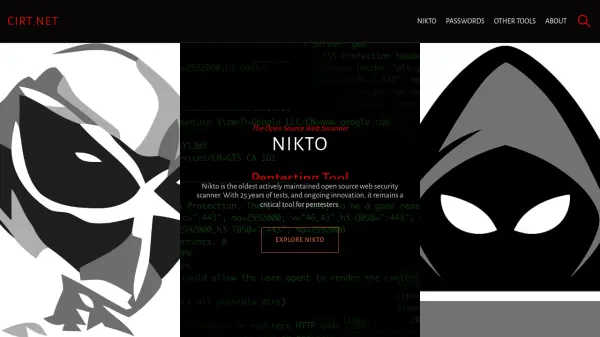
Nikto is an open source web security scanner that has been actively maintained for over 25 years, making it one of the most established tools in the cybersecurity field. It performs comprehensive vulnerability assessments by scanning web servers and applications for thousands of potential security issues, misconfigurations, and outdated software versions.
The scanner includes extensive test databases that have been developed and refined over decades, allowing it to identify a wide range of security vulnerabilities. With features like interactive scanning modes, output saving capabilities, and regular updates, Nikto remains an essential tool for security professionals conducting penetration testing and web security assessments.
Features
- Web Security Scanning: Comprehensive vulnerability assessment for web servers and applications
- Extensive Test Database: Over 25 years of security tests and checks
- Open Source: Freely available with community-driven development
- Interactive Mode: Real-time scanning feedback and progress monitoring
- Output Formats: Support for saving findings in plaintext, JSON, and XML formats
Use Cases
- Penetration testing of web applications
- Web server security assessment
- Vulnerability scanning for compliance audits
- Security research and education
- Continuous security monitoring of web infrastructure
FAQs
-
What types of vulnerabilities does Nikto detect?
Nikto detects various web server and application vulnerabilities including misconfigurations, outdated software versions, default files and scripts, and potential security issues across thousands of test cases. -
How often is Nikto updated with new security tests?
Nikto receives regular updates with new security tests and improvements, as evidenced by recent major releases like version 2.6.0 and 2.5.0 which added significant new capabilities. -
What output formats does Nikto support for saving scan results?
Nikto supports saving findings in multiple formats including plaintext files, JSON, and XML, allowing users to choose the format that best fits their workflow and reporting needs.