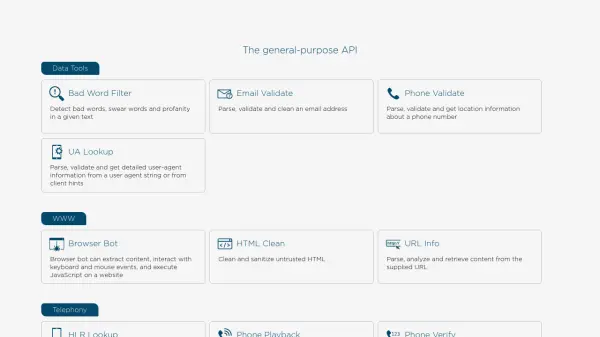
What is Neutrino API?
Neutrino API delivers a wide-ranging set of programmable interfaces that support tasks such as data validation, content filtering, geolocation, image processing, and telecommunications. Developers can leverage real-time AI-driven features including profanity filtering, email and phone validation, geocoding, IP intelligence, and browser automation, all accessible through simple API requests. The platform also offers security-focused tools—such as domain and IP reputation checks—to protect systems from malicious actors and help ensure data integrity.
To support seamless integration and scalability, Neutrino API allows for dynamic usage-based pricing across its APIs and telephony endpoints. Designed for versatility, its capabilities enhance application workflows in areas like e-commerce, customer support, digital marketing, and cybersecurity by automating tasks and improving data accuracy and quality.
Features
- Bad Word Filter: Detects and filters profanity and inappropriate language in text
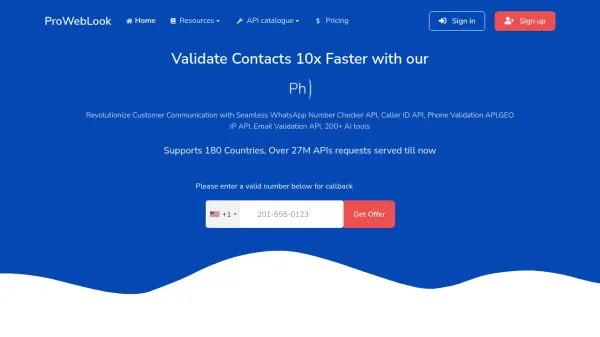
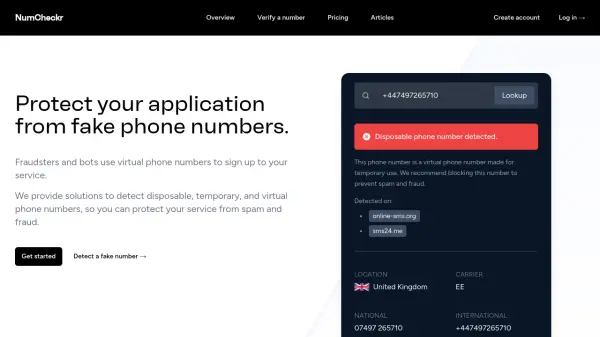
- Email and Phone Validation: Parses, validates, and cleans emails and phone numbers with geographic lookups
- Browser Bot: Automates web interactions and content extraction with headless browsing
- Geolocation Services: Converts addresses and coordinates, retrieves IP, domain, and device locations
- Security Checks: Assesses risks by verifying domains, IPs, and hosts against blacklists
- Telephony: Sends SMS/voice verifications and executes security code checks globally
- Imaging Tools: Provides HTML to PDF/image rendering, resizing, watermarking, and QR code generation
- Content Processing: Cleans and sanitizes untrusted HTML content
Use Cases
- Automatically filtering user-generated content for profanity and inappropriate language
- Validating and enhancing the accuracy of email addresses and phone numbers in customer databases
- Automated customer verification via SMS or voice calls
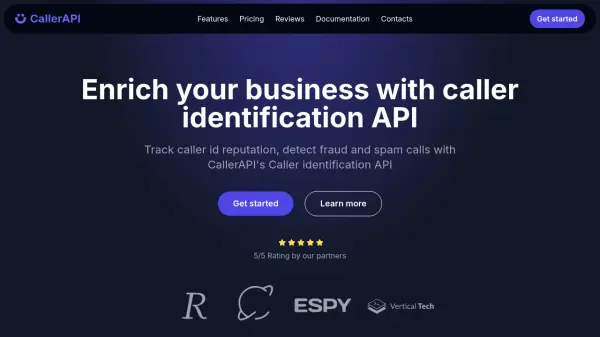
- Detecting and blocking potentially dangerous or malicious domains and IP addresses
- Geocoding addresses for location-based services and logistics optimization
- Extracting content and performing automated website interactions for QA or data gathering
- Rendering website content as PDF or image for archiving or reporting
- Batch processing of image resizing and watermarking for digital assets
FAQs
-
What payment methods are accepted?
For on-demand billing, Visa and Mastercard are accepted for direct debit, while high-usage accounts can use SWIFT-based monthly invoicing. -
Can I set a limit on API requests?
Yes, daily limits can be configured for cost control and surge protection directly in the API settings. -
Are bulk or fixed quota plans available?
Yes, Neutrino API offers fixed limit plans with daily quotas, and these can be combined with on-demand overage.