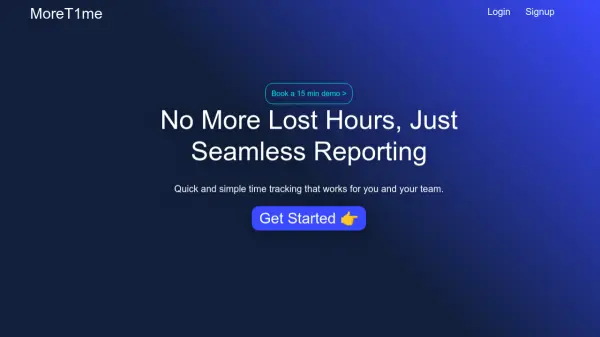
What is More T1me?
More T1me is a time-tracking solution designed to streamline the process of recording and reporting work hours. It offers a user-friendly desktop application compatible with MacOS, Windows, and Linux, allowing users to quickly log their activities and the time spent on each task. The application provides a customizable popup frequency to suit individual preferences.
The platform enables effortless generation and download of timesheets in Excel format. For managers, More T1me facilitates team oversight by offering insights into team members' time allocation. A project management table feature helps manage, add, and update tickets. Furthermore, it includes an AI assistant that generates a summary of user activities.
Features
- Quick Time Entry: Quickly log tasks and time spent in 30 seconds.
- Desktop App: Available on MacOS, Windows, and Linux.
- Excel Timesheets: Download timesheets in Excel format.
- Team Management: View team members' time allocation.
- Project Management Table: Manage, add and update tickets
- AI Summary: Provides an AI-powered summary of activities.
Use Cases
- Tracking individual work hours
- Generating timesheets for payroll
- Monitoring team productivity
- Managing project tasks and timelines
- Summarizing daily or weekly work activities