
What is mimicbrush.art?
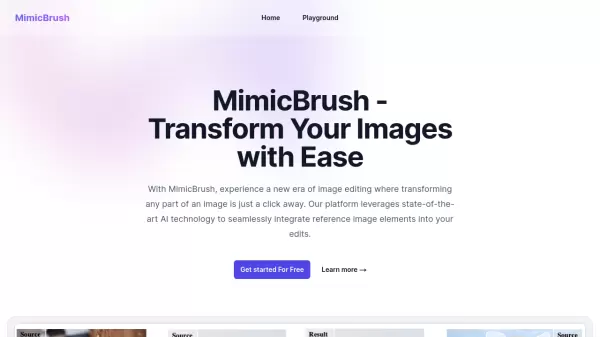
MimicBrush is an advanced AI-powered image editing platform designed for digital art creation and enhancement. It utilizes a sophisticated dual U-Net architecture combined with a diffusion prior to achieve remarkable editing results through self-supervised learning mechanisms that capture semantic correspondence between images.
The tool enables users to edit specific regions of their images with precision while preserving the rest of the image intact. It excels at transferring textures from any reference image to source images while maintaining original shapes and structures, making it ideal for creating consistent visual styles across different media. The platform offers advanced post-processing refinement options and works seamlessly across multiple devices including desktop, tablet, and mobile platforms.
Features
- Localized Modifications: Edit specific regions of images with pixel-perfect accuracy while preserving the rest of the image
- Texture Transfer: Transfer textures from reference images to source images while maintaining original shapes and structures
- Post-processing Refinement: Enhance images with advanced options for adjusting lighting, contrast, and details
- Multi-Device Compatibility: Work seamlessly across desktop, tablet, and mobile devices with consistent editing experience
- Advanced AI Architecture: Utilizes dual U-Net architecture with diffusion prior for self-supervised learning and semantic correspondence capture
Use Cases
- Professional photography post-processing and enhancement
- Graphic design projects requiring consistent visual styles
- Social media content creation with customized image edits
- E-commerce product image editing and presentation
- Digital art creation with texture and style transfer
- Apparel and fashion industry visual content production
FAQs
-
What image formats does MimicBrush support?
MimicBrush supports all major image formats for both source and reference images. -
Does MimicBrush require internet connection to function?
The content doesn't specify whether MimicBrush requires internet connection, but as a web-based AI tool, it likely needs internet access for processing. -
Can MimicBrush be used for commercial purposes?
The content doesn't specify commercial usage terms, but the testimonials include professional users, suggesting commercial applications are possible. -
Is there a limit to the number of images that can be edited?
The content doesn't specify any limitations on the number of images that can be edited using MimicBrush. -
Does MimicBrush store user images after processing?
The content doesn't specify image storage policies, though privacy information would typically be covered in the Privacy section mentioned in the footer.
Related Queries
Helpful for people in the following professions
mimicbrush.art Uptime Monitor
Average Uptime
100%
Average Response Time
178.43 ms