
What is MailMug?
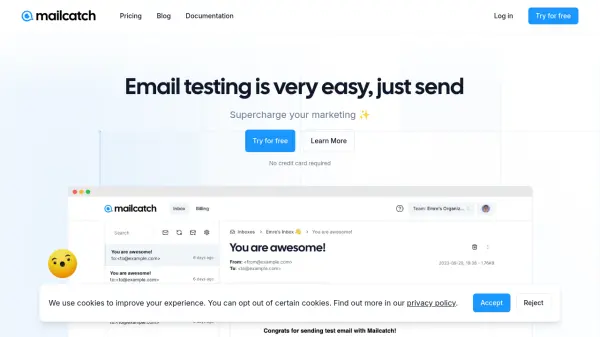
MailMug provides an email sandbox solution designed to capture SMTP traffic from staging and development environments. It enables users to validate email content, including text and HTML/CSS, ensuring thorough testing and debugging processes before final delivery to production recipients. The tool helps resolve common email testing challenges by allowing configuration within minutes through integration code or SMTP credentials.
Users can analyze email content and source code to easily identify issues, and share testing data via email content URLs or .eml files with their teams. This facilitates collaborative troubleshooting and quality assurance in email delivery workflows.
Features
- Email Sandbox: Capture SMTP traffic from staging and dev environments for testing
- Content Validation: Validate email content text or HTML/CSS to ensure proper formatting
- Quick Configuration: Set up email testing environment within 5 minutes using integration code or SMTP credentials
- Content Analysis: Analyze email content and source code to easily find and troubleshoot issues
- Data Sharing: Share email testing data with team members via email content URL or .eml file
Use Cases
- Testing email functionality in development environments before production deployment
- Debugging HTML/CSS issues in email templates to ensure cross-client compatibility
- Validating email content and formatting for marketing campaigns or transactional emails
- Collaborating with QA teams on email testing by sharing .eml files or URLs
- Monitoring SMTP traffic in staging environments to identify delivery problems