
What is LowRes NX?
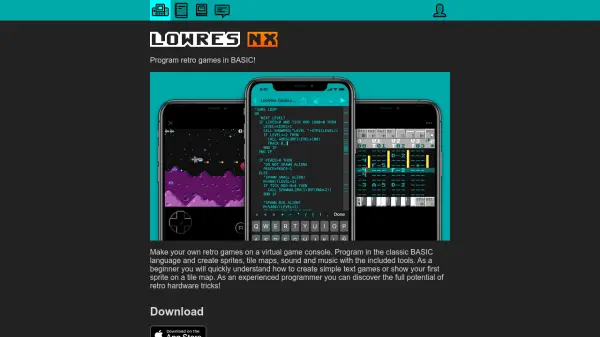
LowRes NX offers a virtual game console environment that allows users to program and play retro-style games with the classic BASIC language. Emulating 8- and 16-bit systems, it provides authentic features such as hardware sprites, parallax scrolling, and realistic sound chip simulation, enhancing the retro gaming experience.
The platform includes integrated tools for designing sprites, tiles, fonts, maps, and creating music and sound effects. Users can share their games and assets directly with others, making it a versatile option for both beginners learning to code and experienced programmers exploring vintage hardware tricks.
Features
- Virtual Console: Simulates a handheld console modeled after retro 8- and 16-bit systems
- Structured BASIC Programming: Offers a BASIC language with modern structured elements
- Graphics Editor: Tools for creating and editing sprites, tiles, fonts, and maps
- Sound Composer: Compose music and sound effects within the platform
- Retro Hardware Simulation: Supports hardware-level features like sprites, parallax scrolling, and raster interrupts
- Asset Sharing: Share games, art, and music assets with other community members
- Open Source Programs: Access, edit, and learn from a library of open source games and tools
Use Cases
- Learning the fundamentals of game development with retro hardware concepts
- Building and sharing custom retro-style games
- Practicing or teaching programming in BASIC
- Designing 2D graphics and composing game music
- Exploring and modifying open source retro games
- Collaborating with other creators on art, music, and code assets