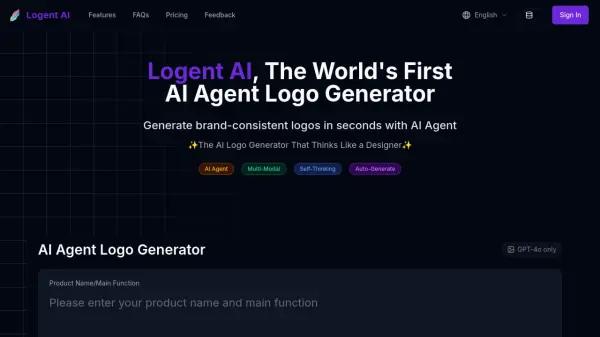
What is Logent AI?
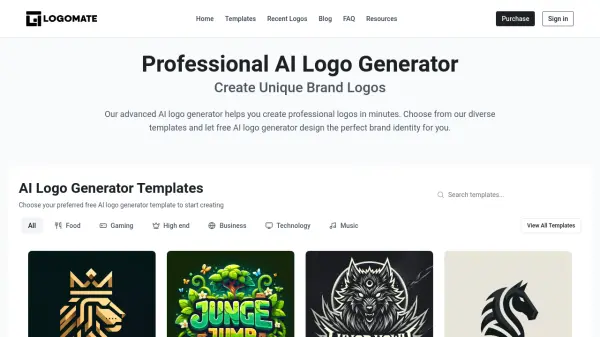
Logent AI introduces itself as the world's first AI Agent logo generator, designed to function like a professional designer. It leverages sophisticated artificial intelligence and design principles to produce brand-consistent logos rapidly. Users simply provide their product name or main function, and the AI Agent analyzes this input to generate suitable design concepts, eliminating the need for manual design skills.
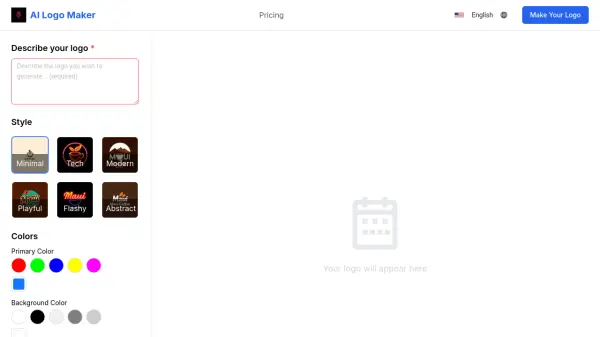
The platform operates by analyzing provided product details, slogans, and optional reference images to grasp the core brand identity. It then employs various methods, including semantic-based design and letter-based variations, powered by advanced AI models like GPT-4o, to create multiple logo options. Logent AI offers customization for styles and color palettes and allows users to guide the generation process by uploading reference images for more specific visual outcomes. Basic models are available for free use, while upcoming Pro models promise higher quality and faster generation.
Features
- AI Agent Design Intelligence: Generates logo concepts by analyzing product information, mimicking a professional designer.
- Multiple Logo Variations: Creates diverse logo options instantly, including Graphic Logos and Lettermark Logos.
- Comprehensive Style Customization: Allows users to control logo styles and color palettes to match brand identity.
- Advanced Reference Processing: Supports uploading reference images to guide the AI in incorporating specific visual elements.
- Multiple AI Models: Utilizes cutting-edge AI models (like GPT-4o) for semantic understanding and logo creation.
- Free Basic Generation: Offers free logo generation using basic models, with paid options for enhanced features.
Use Cases
- Creating professional logos for new businesses or products.
- Generating multiple logo concepts quickly.
- Designing brand-consistent logos without requiring design skills.
- Exploring various logo styles such as graphic and lettermark.
- Customizing logo appearance including styles and colors.
- Incorporating specific visual ideas using reference images.
FAQs
-
What formats can I export my logos in?
Currently, Logent AI supports PNG format for all users. SVG support and additional formats are planned for future updates. -
Can I customize the generated logos?
Yes, you can customize aspects like style and colors. The tool provides variations, but AI generation randomness means customization adherence may vary. Pro models are expected to offer better results. -
Can I use the generated logos for commercial purposes?
Yes, all logos created with Logent AI come with full usage rights for both personal and commercial applications without restrictions. -
Does Logent AI support mobile devices?
Logent AI is currently accessible via its website on mobile browsers. Dedicated mobile applications are under development. -
Can I upgrade, downgrade, or cancel my subscription?
Yes, you can manage your subscription (upgrade, downgrade, cancel, change billing cycle) at any time through the user center.