What is LeadScripts?
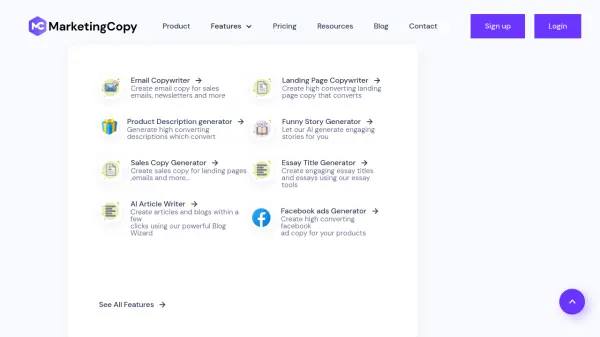
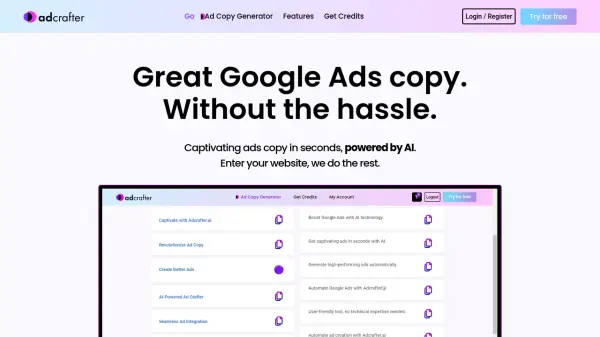
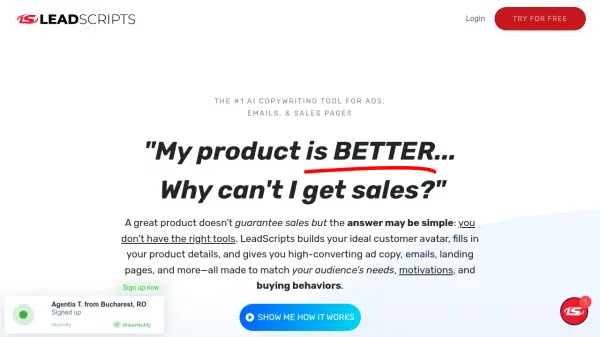
LeadScripts is a comprehensive AI copywriting tool designed to streamline the creation of high-converting marketing materials. It simplifies the process by automatically generating copy for various platforms, including advertisements, emails, sales pages, and social media posts.
By inputting a product or website URL, LeadScripts utilizes its built-in customer avatar builder and psychology-based scripting to produce tailored content. This ensures that the copy resonates with the target audience's specific needs and motivations, leading to improved engagement and conversion rates. The platform offers a prompt-less AI rewriter and thousands of optimized templates, making it easy to get started with no marketing expertise required.
Features
- Customer Avatar Builder: Generates insights into your audience's pains, fears, dreams, desires, and location.
- Psychology-Based Scripts: Utilizes human psychology and purchasing behavior to craft targeted copy.
- 3-Click Copy Generation: Creates complete copy by simply entering a product or website URL.
- 1,000+ Proven Templates: Provides a wide range of tested and optimized templates for ads, emails, sales pages, and more.
- Prompt-less AI Rewriter: Offers unlimited revisions without needing complex prompts.
Use Cases
- Creating high-converting Facebook and Google ads
- Developing email marketing campaigns to nurture leads
- Writing compelling sales page copy to drive conversions
- Generating engaging social media posts to increase brand visibility
- Building complete marketing funnels
- Creating content for blog articles
FAQs
-
Do I need marketing experience to use LeadScripts?
No marketing experience is required to use LeadScripts! Our platform is designed for users of all levels, including beginners. With easy-to-use tools and guided templates, you can start creating effective marketing content right away. -
Are there any recurring fees?
There are no recurring fees during the 7-day free trial. After the trial ends, you can choose to continue with a subscription, or take advantage of a special offer to purchase a lifetime plan with a one-time payment at a discounted price. You can cancel at any time during the trial to avoid any charges. -
What if I don’t see results?
If you don't see the results you're hoping for, we're here to help! During your free trial, take full advantage of our resources and support. If after trying everything you're still not satisfied, you can cancel before the trial ends with no charges. Our team is also available to guide you and ensure you're getting the most out of LeadScripts. -
What is the 0-300 Leads Program?
It’s our step-by-step guide to growing your email list from scratch, included free with your LeadScripts purchase. -
Do you offer a free trial?
Yes! We offer a 7-day free trial, giving you full access to all features with no commitment. You can explore everything LeadScripts has to offer and decide if it’s right for you. If you decide it's not, you can cancel anytime before the trial ends with no charges.