What is keen-slider?
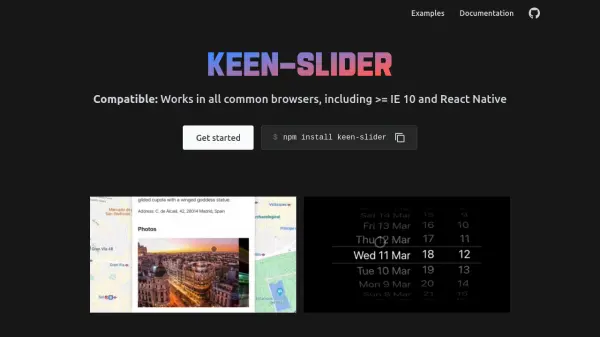
Keen-slider is a versatile JavaScript library designed for creating sliders, carousels, and similar interactive components. It operates without dependencies, ensuring a minimal footprint of approximately 5.5KB when gzipped. The tool is fully responsive and mobile-first, supporting multi-touch interactions and compatibility across all common browsers, including Internet Explorer 10 and React Native environments.
Built with extensibility in mind, keen-slider offers a simple yet powerful API that integrates seamlessly with various frameworks such as JavaScript, TypeScript, React, Vue, Angular, and React Native. It is open-source under the MIT license, providing developers with the freedom to use and modify it for diverse projects.
Features
- Library Agnostic: Works with JavaScript, TypeScript, React, Vue, Angular, React Native, and other frameworks
- Lightweight: No dependencies, only ~5.5KB gzipped
- Compatible: Functions in all common browsers, including >= IE 10 and React Native
- Mobile First: Supports multi-touch and is fully responsive
- Open Source: Freely available under the MIT license
- Extensible: Rich but simple API for customization
Use Cases
- Creating image sliders for websites
- Building product carousels for e-commerce platforms
- Developing interactive galleries for portfolios
- Implementing responsive content sliders in mobile apps
- Designing touch-enabled carousels for presentations