
What is Kaizen?
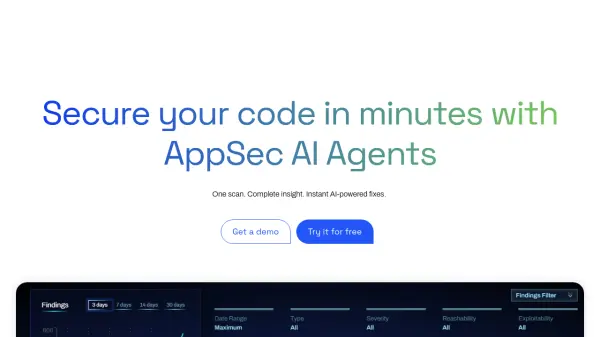
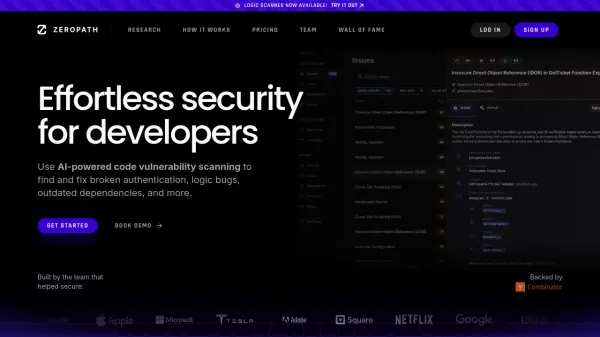
Kaizen is an AI-powered application security platform designed to protect your entire development lifecycle. It seamlessly integrates with your existing workflow, scanning both your code and live applications for vulnerabilities. The platform goes beyond simple detection by providing prioritized fixes, AI-generated patches, and plain-English reports. With a Vibe Score (0-100), you can instantly gauge your application's security posture. Features include exploit validation, one-click fixes in VS Code and Cursor, continuous monitoring, and compliance mapping for frameworks like SOC2, ISO 27001, and GDPR. Kaizen is built for startups, indie developers, and solopreneurs who need enterprise-grade security without the overhead of hiring a dedicated team.
Features
- AI-Powered Orchestration: Runs all scanners, normalizes results, and cuts noise and technical jargon.
- Agentic Remediation: Scans, fixes, re-tests, and closes vulnerabilities automatically.
- Exploit Validation: Provides proof-of-concepts to confirm real vulnerabilities.
- One-Click Fixes: Delivers safe patches and tests in VS Code and Cursor prompts.
- Plain-English Reporting: Explains what is wrong, why it matters, how to fix it, and includes the fix itself.
- Continuous Monitoring: Scans every push, month, and release for ongoing protection.
Use Cases
- Automated vulnerability scanning and fixing for web applications.
- Continuous security monitoring for development teams.
- Compliance mapping for SOC2, ISO 27001, GDPR, and MITRE ATT&CK.
- Generating audit-grade reports for B2B sales and vendor compliance.
- Integrating security into CI/CD pipelines with zero setup.
FAQs
-
How does Kaizen integrate with my existing workflow?
Kaizen can be integrated via a one-click GitHub integration, a VS Code/Cursor plugin, or by providing your app URL and repo URL directly. -
What is the Vibe Score?
The Vibe Score is a 0-100 rating that provides a quick, intuitive measure of your application's security posture, helping you understand how safe and protected your app is. -
Does Kaizen support compliance frameworks?
Yes, Kaizen includes compliance mapping for SOC2, ISO 27001, GDPR, MITRE ATT&CK, and other frameworks. -
How does Kaizen fix vulnerabilities?
Kaizen provides AI-generated autofix PRs and one-click fixes in your IDE (VS Code or Cursor), along with automatic reassessment to confirm fixes are effective. -
Is Kaizen suitable for solo developers?
Absolutely. Kaizen is designed for startups, indie developers, and solopreneurs, requiring zero setup and no prior security knowledge.